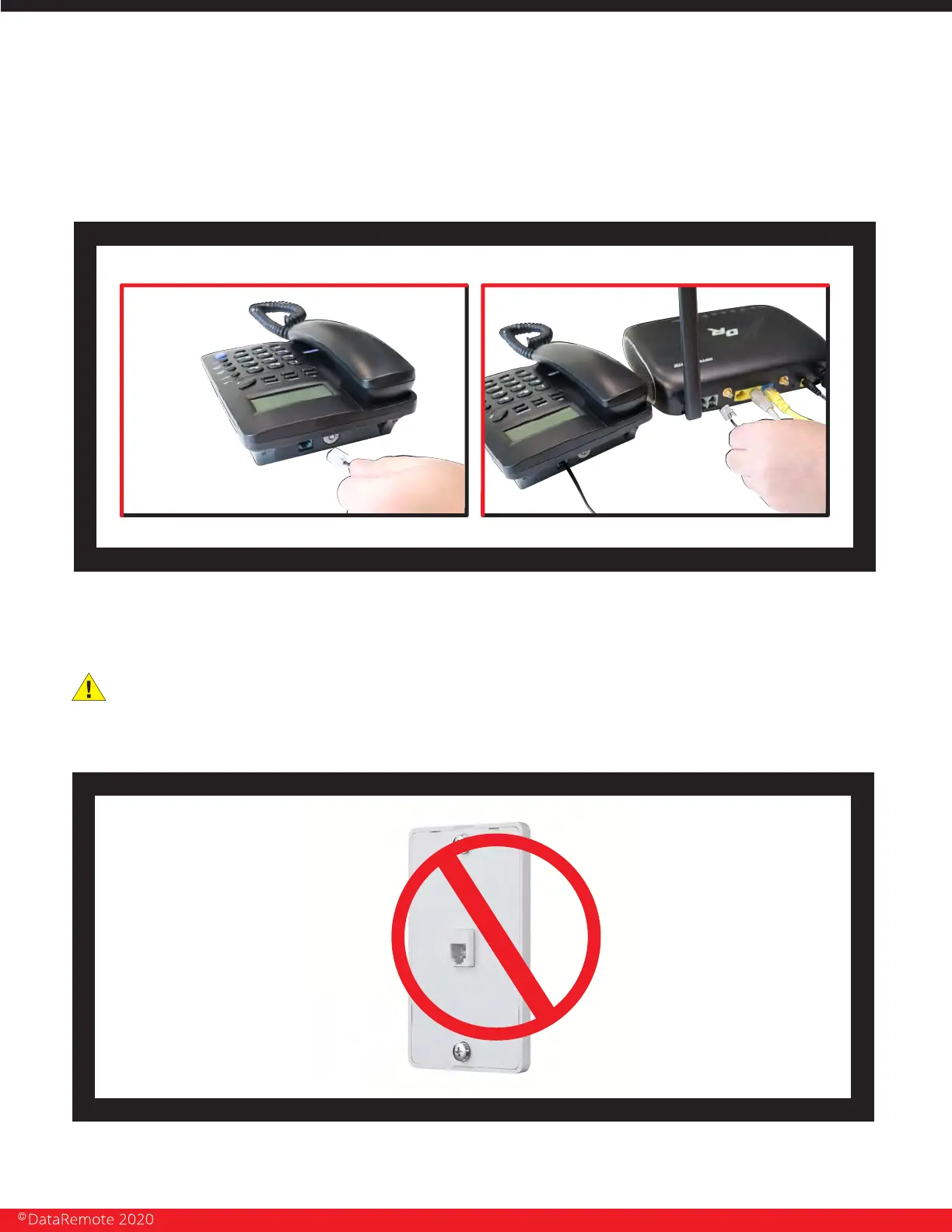
Connect the RJ-11 (Phone line) from your phone or equipment requiring a phone
line to the DataRemote
CDS-9010 device’s FXS port.
STEP 4
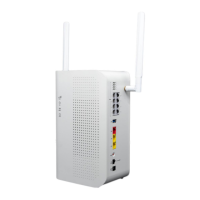
WARNING! Do not connect an active RJ-11 with voltage directly from the wall into the
DataRemote device’s RJ-11 ports, this will damage the device permanently. Each
DataRemote device’s RJ-11 FXS port is an active port supplying voltage. The FXS port is
only to be connected to an FXO analog phone or another FXO device.
Page 10
Revision No. 004 April 2020


 To Next Page