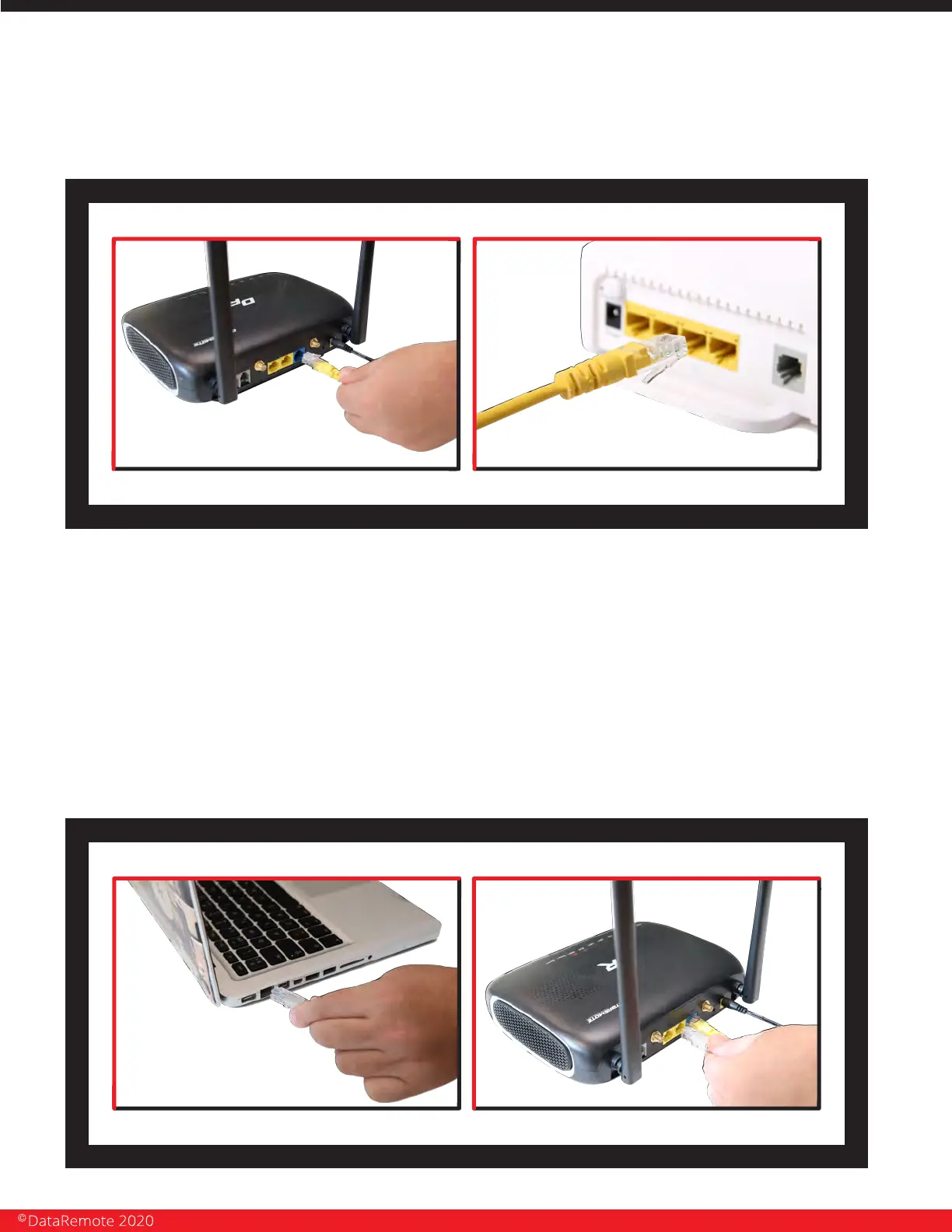
STEP 2
Connect the WAN cable from your modem, switch or router to the WAN port of
your device, with an Ethernet (RJ-45) cable.
DISCLAIMER: This is just a representation of a modem. Models and appearance may vary
depending on your Internet provider.
STEP 3
Page 9
Revision No. 004 April 2020
Connect to one of the two LAN ports on your device with an Ethernet cable (RJ-45)
to your equipment or computer that needs to receive an Internet connection
from the CDS-9010. Your device allows you to connect up to two (2) devices for
Internet access.


 To Next Page