INSTALLATION AND OPERATION 11
5. Power on the WATCHPAX 40.
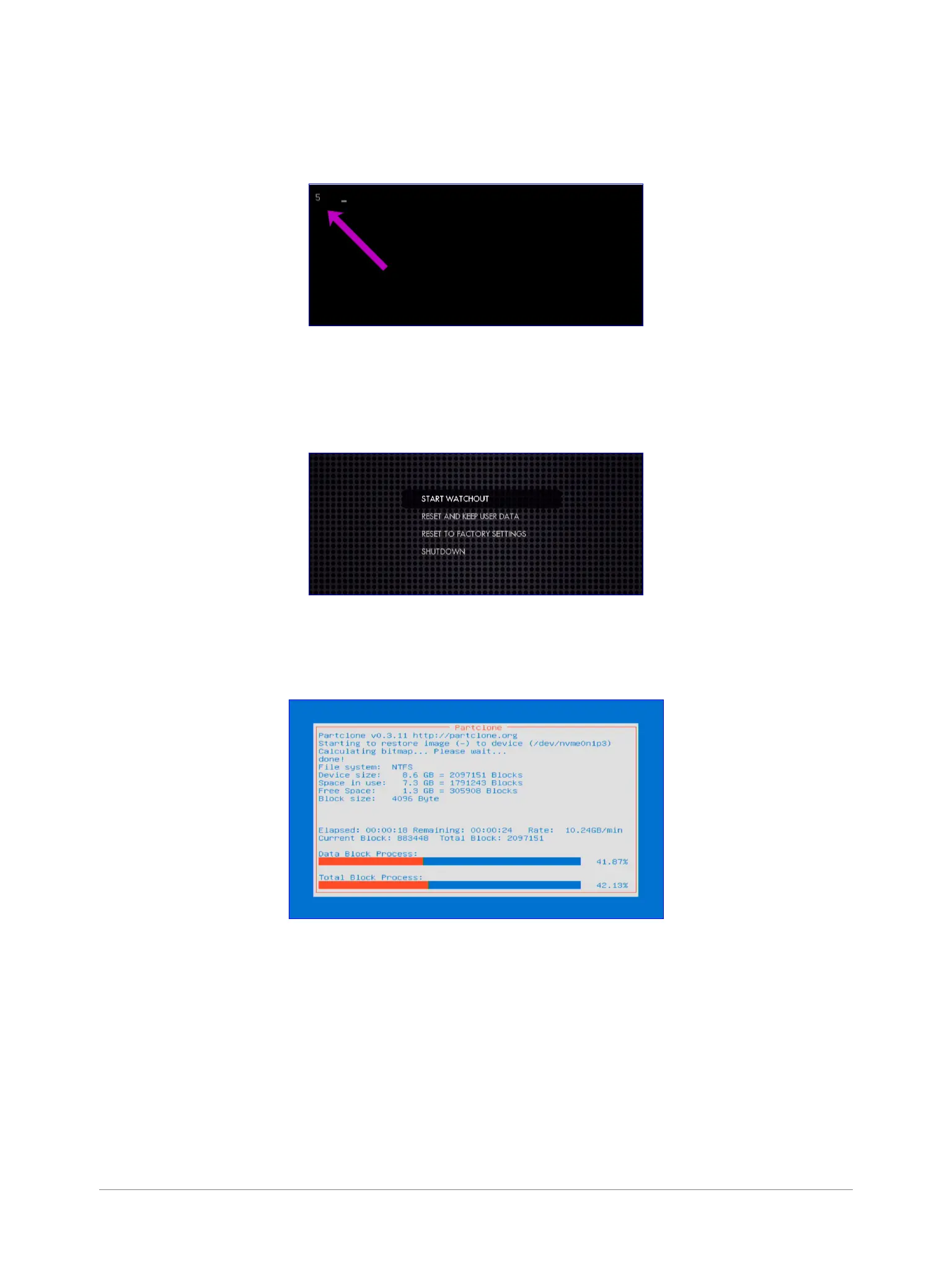
6. During startup, you will see a ve-second countdown in the top left corner of the display. Press Esc
during this countdown.
NOTE: If you don’t see a counter, it means the display device is slow to lock to the output using
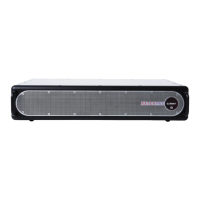
DisplayPort. Press Esc repeatedly after power-on to move to the menu below.
7. Select the desired reset option in the menu that appears, and press Enter.
8. IMPORTANT: There will be no conrmation: the reset process starts immediately, providing some
visual feedback.
9. The WATCHPAX 40 will restart several times in order to congure the operating system and
hardware.


 To Next Page