EDID MANAGEMENT 17
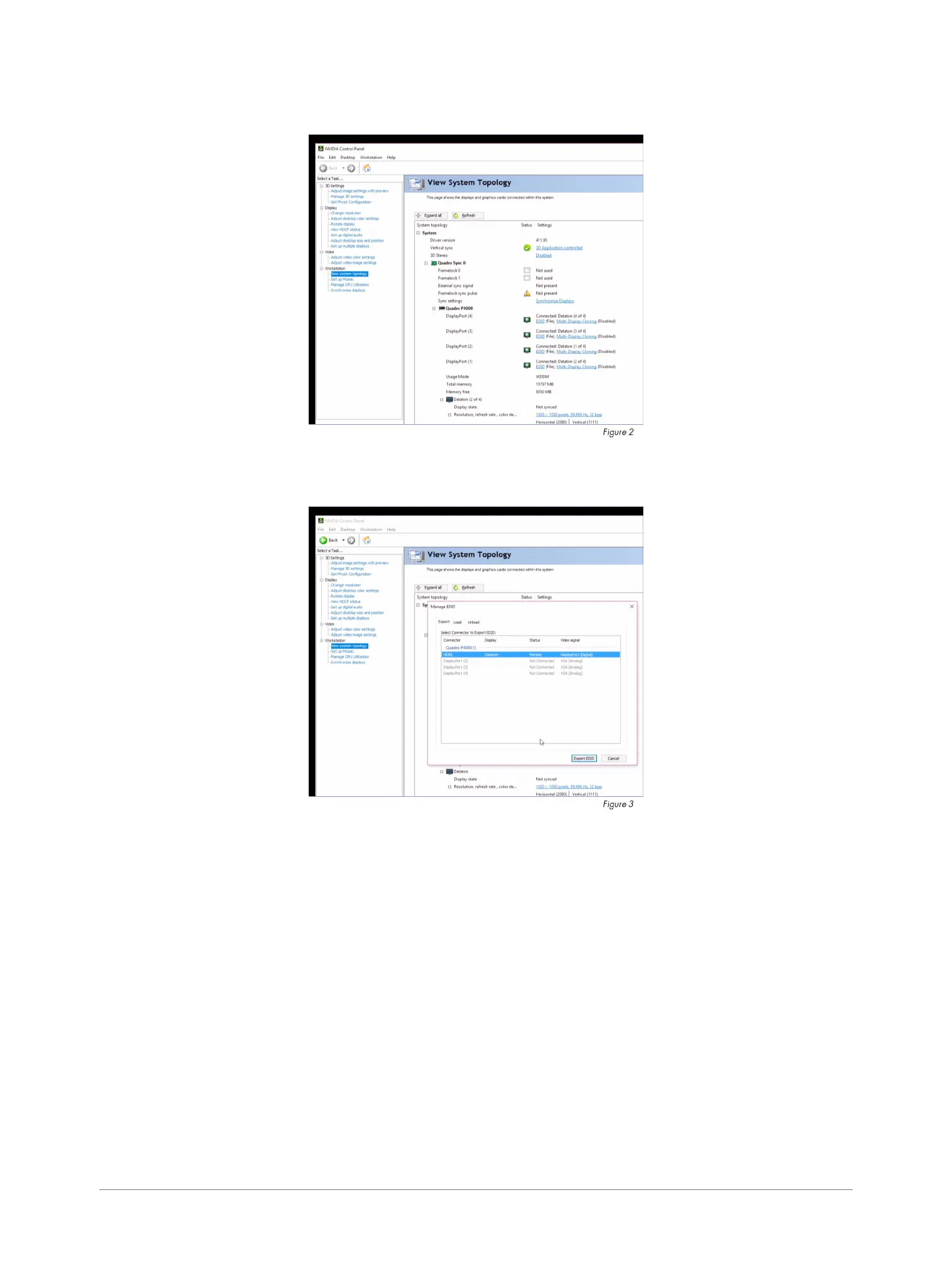
2. Navigate to the Workstation >View System Topology (gure 2).
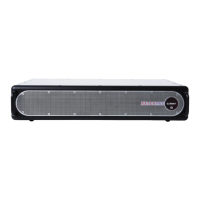
3. All outputs are listed within the Quadro P3000/P4000 section. Open the “Manage EDID” window
by clicking the EDID link (gure 3).
It’s possible to export EDID les to external USB devices or to store them locally on the W:\ drive. Files
stored on the system (C:\) will not be persistent.
EXPORT EDID
To export EDID from a display, select an active display and press the Export button.


 To Next Page