G-715S /G-715SR
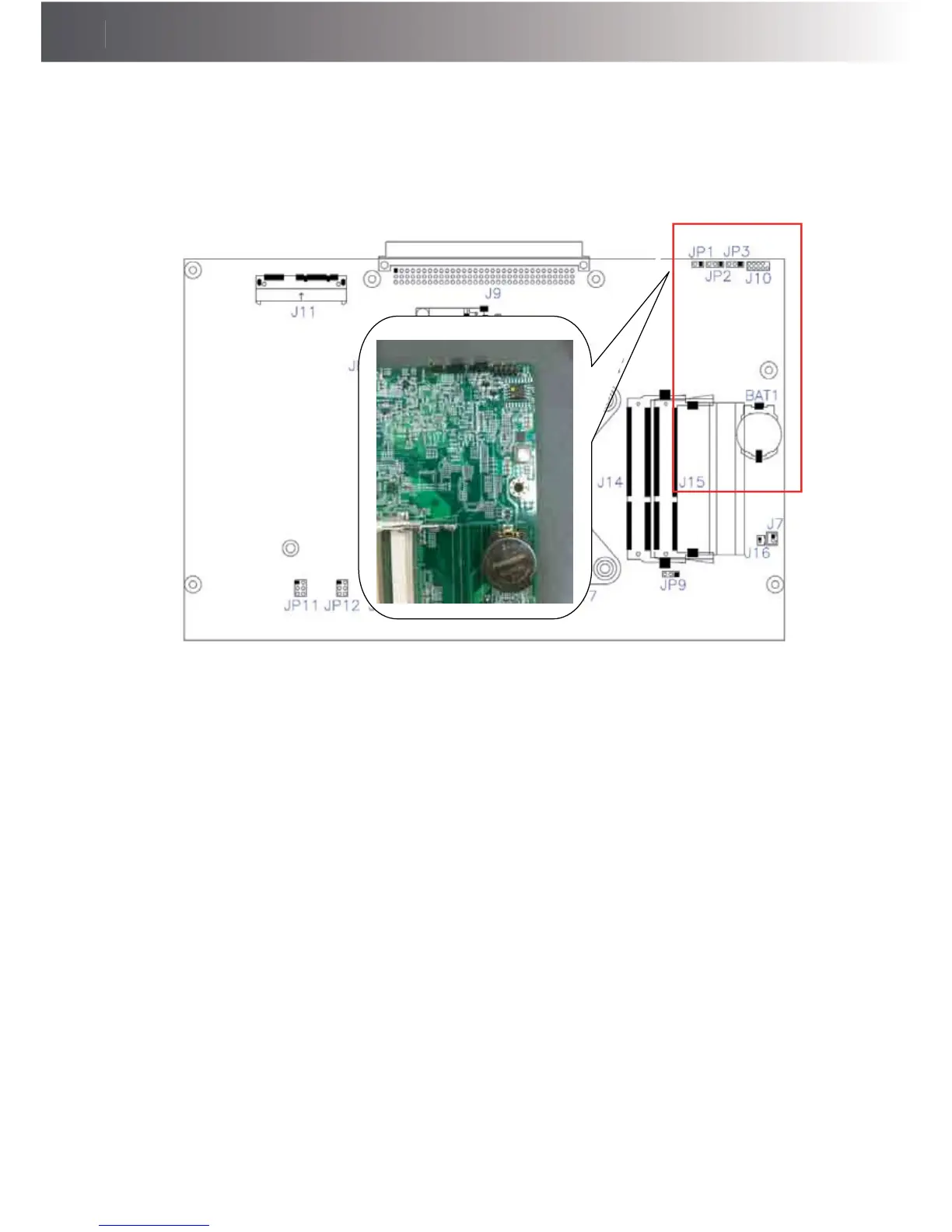
Answer: To clear CMOS, do the following:
1. Turn off power and pull out the power cord.
2. ,QVHUWWKHMXPSHUFDSWRFOHDU&0263,1DQGUHPRYHWKHMXPSHUFDSIURP
clear CMOS PIN.
3. Switch on the power again.
4. Press F2 to enter CMOS setting and load optimized defaults.
5. Save changes and reboot the system.
Question 3: How to use Boot Menu?
Answer: To use the Boot Menu, do the following:
1. Press F10 to enter the Boot Menu.
2. Select the Boot device from the Boot Menu.



 To Previous Page