12
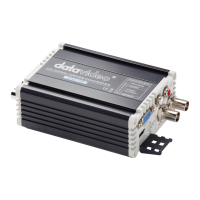
Please copy the DAC-70 Center.exe utility software from the supplied CD
to your Windows computer. Now connect the DAC-70 by USB cable to the
same computer. Switch on the DAC-70 and then launch the DAC-70 Center
utility software.
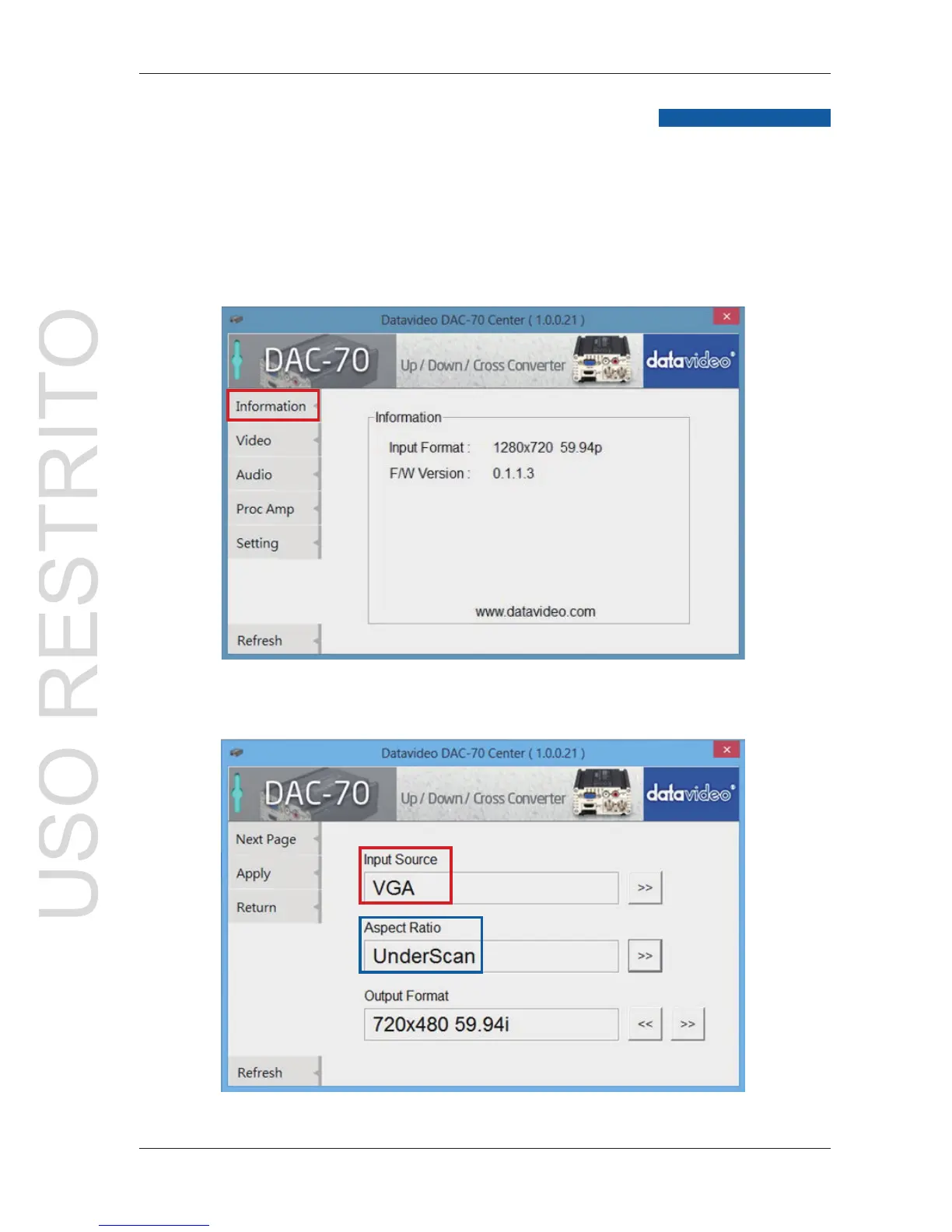
1.Click on the Information tab to display the input format & firmware
version.
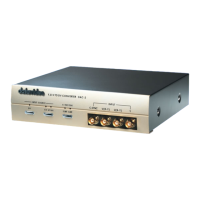
2.1 Click on the Video tab to enter the video setup.
2.2 Set the input source, aspect ratio and output format then click Apply.
DAC-70 Center Utility features


 To Next Page