8
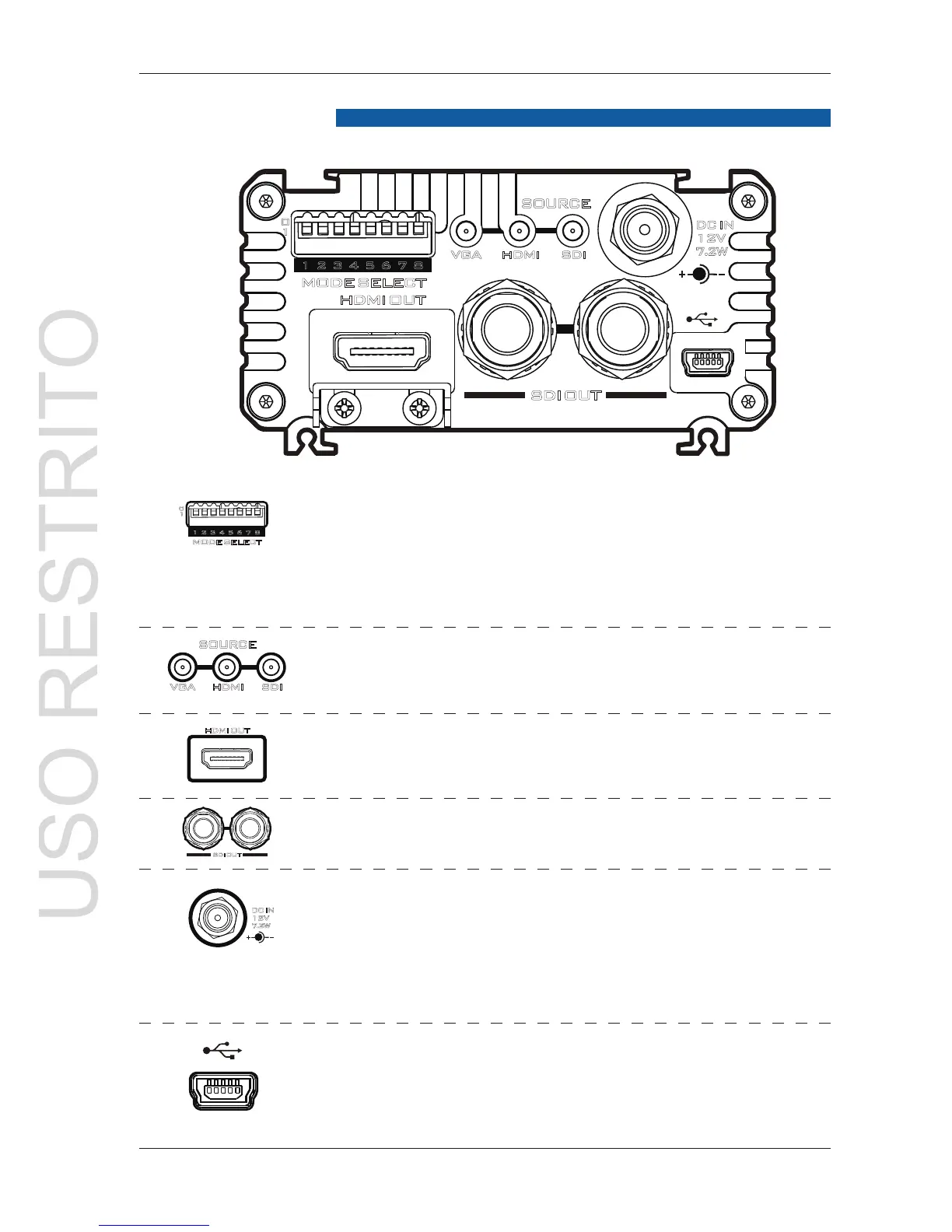
Mode Select (Mini switch)
Use these Mini switches to manually set the DAC-
70 mode, see table on page 9.
The unit can also be set up by Windows computer
over USB 2.0 cable, see page 11.
Source Indicator
Displays video source format.
HDMI OUT
Video and Audio output from HDMI.
HD/SD - SDI OUT
Video and Audio output from SDI.
DC In Socket
Connects the supplied 12V PSU to this socket.
The connection can be secured by screwing
the outer fastening ring of the DC In plug to the
socket.
USB
Firmware upgrade/ Function control by DAC-
Center
0
1



 To Next Page