14
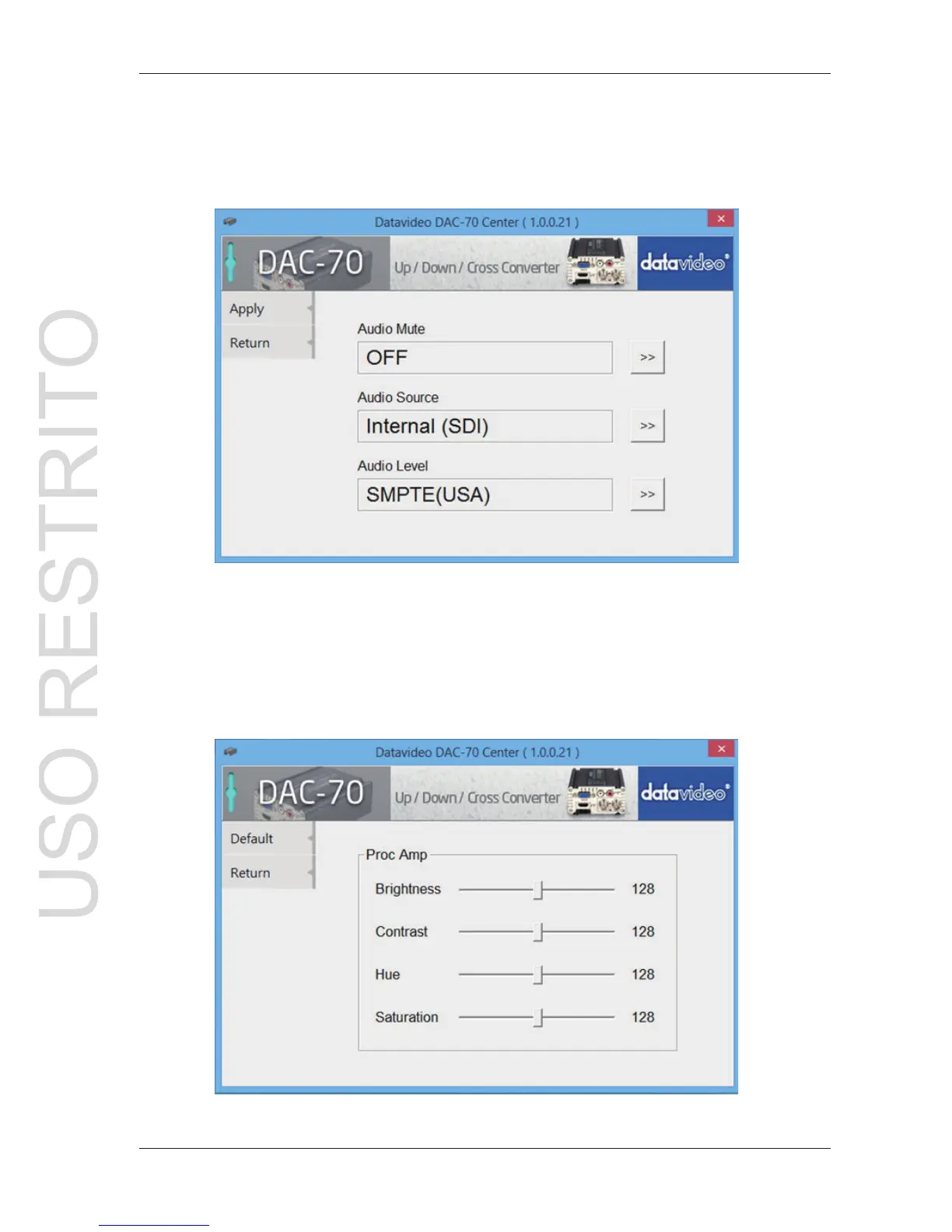
3.1 Click the Audio tab to set the audio parameters.
3.2 Set the audio mute, audio source & audio level then click Apply.
Note 1: Audio Level can also be switched between EBU and SMPTE standards.
Note 2: Audio Level setting only for RCA input.
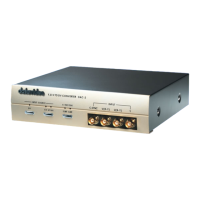
4.1 Click the Proc AMP tab to adjust the picture settings.
4.2 Set the Brightness, Contrast, Hue, and Saturation level.


 To Next Page