Zettle Terminal USER GUIDE 1 DATECS Page 20 of 24
UM 07.01.27/v1.5.0
Contactless Card Reading
The contactless card transaction procedure can vary depending on the application loaded on the Zettle
Terminal. Verify the proper procedure with your application provider before performing a contactless
card transaction.
To Conduct a Contactless Credit/Debit Card Transaction
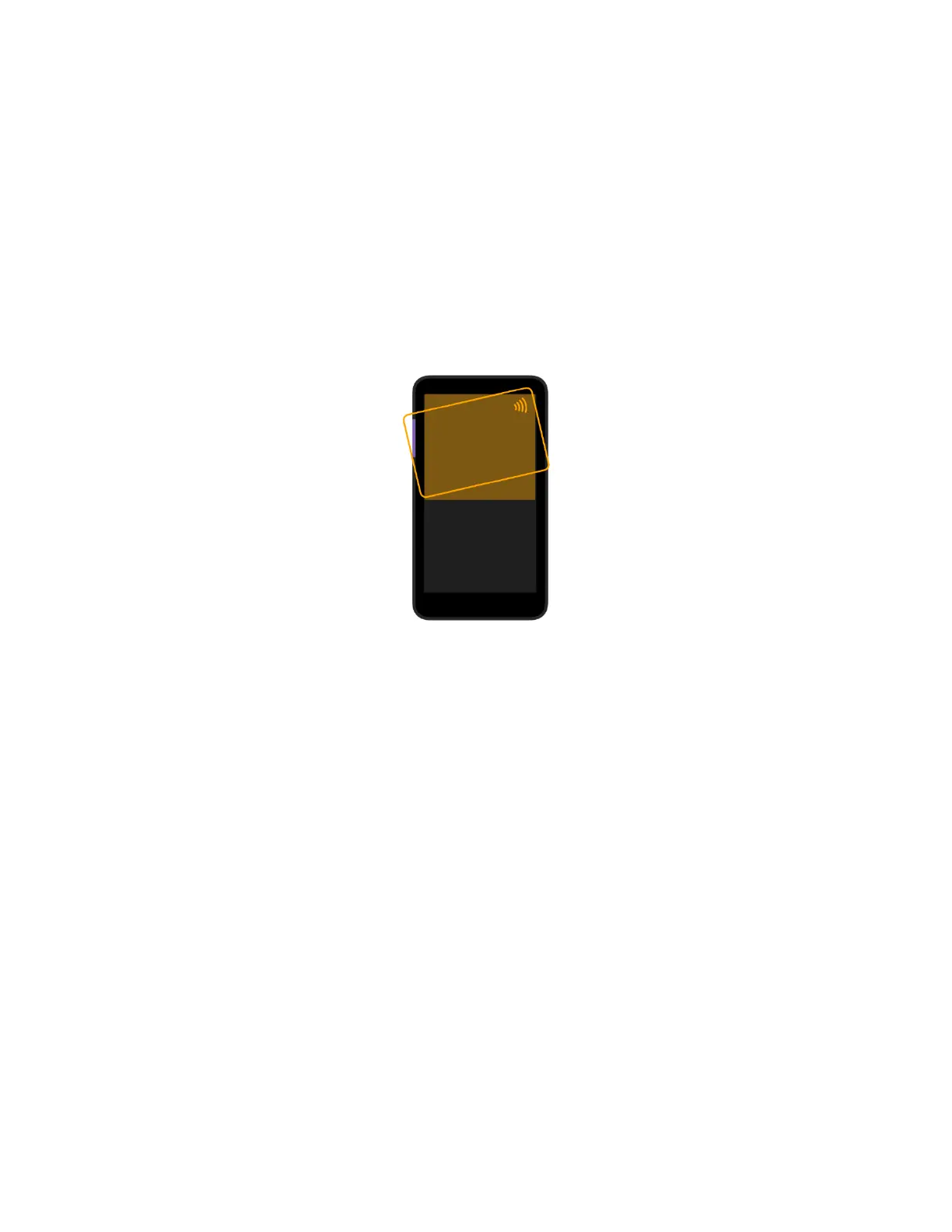
1. Place a contactless card to shown on the Zettle Terminal display contactless logo (Figure 8).
2. Remove the card when the display indicates the transaction is completed.
Figure 8


 To Next Page