hour
Initialize
language
hour
date
version
watt
C
Initialize
language
hour
date
version
dat
watt
)
)
)
)
)
)
188
OK
0
88.8
88.8
8
:
88.
.8
8
:
88.
.
8
i1
Setting the language, time, and date
Training
Setting the time and date is needed to support the execution of the intelligent training programs,
particularly the Coaching program. Therefore, the control software of the computer-controlled
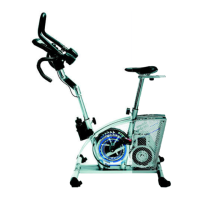
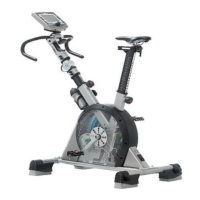
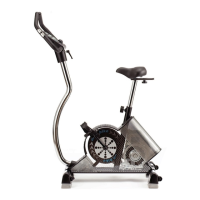
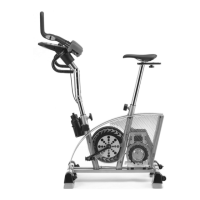
dashboard of the new ergo_bike has a special menu for all the setting and basic functions needed
to support the automation process and must be set as a background for the ergometers programs.
This menu allows also to review some important parameters. This menu option is supported by
the central graphic display (see pages L1 - L2).
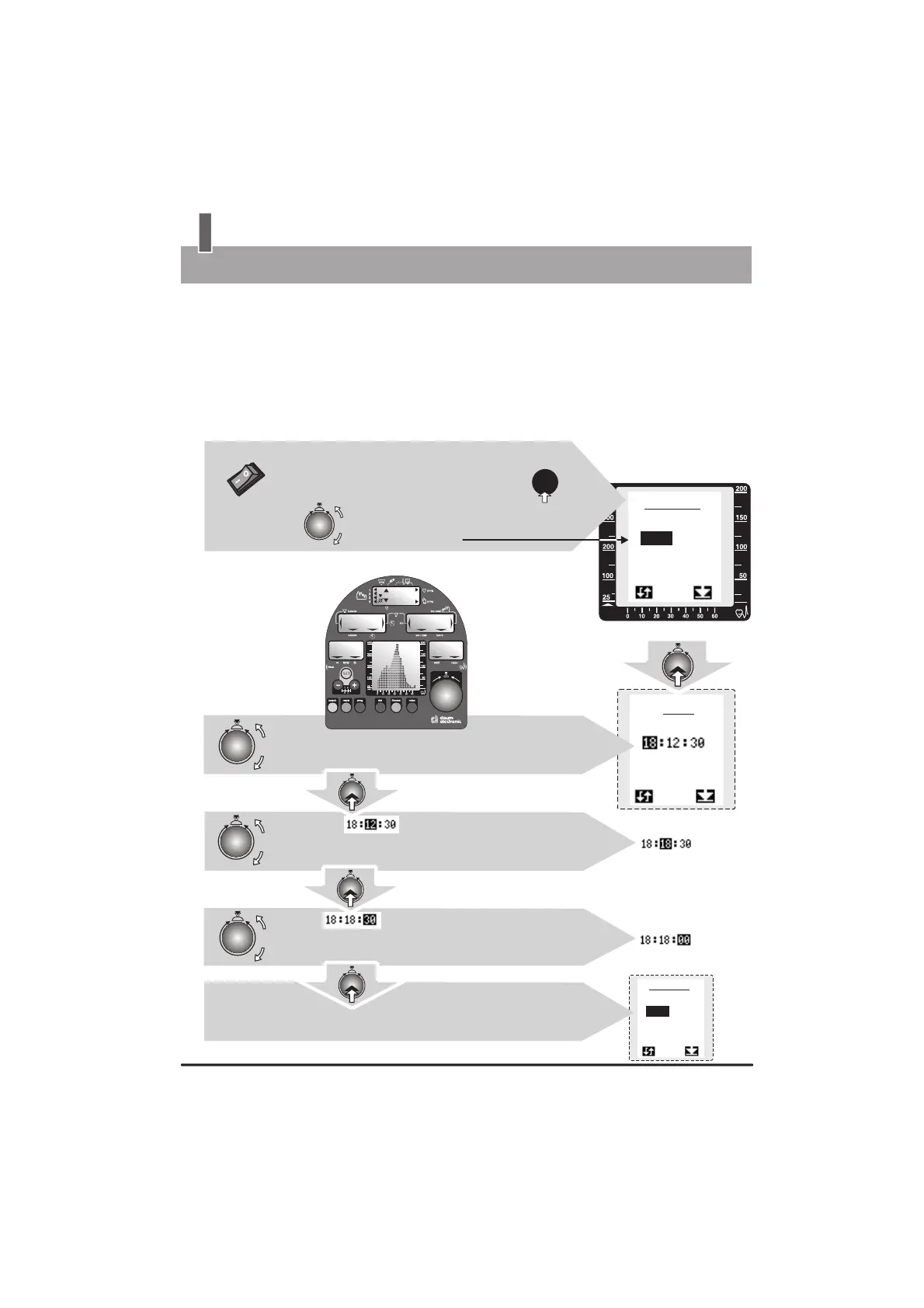
Set up menu, Initialization option
Set the actual hour by turning the control button,
and confirm the setting by pressing the same button
Set the actual minute by turning the control button,
and confirm the setting by pressing the same button
Set the actual second by turning the control button,
and confirm the setting by pressing the same button
A
B
C
1.
1a.
2.
2a.
3.
3a.
Initialization
Menu control
When the ergometer is turned on the system displays all the display elements
for 8 seconds during
the test of
the display
Window No. 6
The last menu option
(mode) used is
selected, e.g. time
The setting of the time
and date is a 3-step
operation. The values
entered are accepted
after the last
confirmation.
Turn the
device on
(power switch)
Confirm
the setting
Confirm
the setting
Confirm
selection
Confirm
the setting
Turn the control button to select the
“hour” (time) entry
To display the initialization menu, press
the “dat” key on the dashboard within
8 seconds after turning the device on.
Setting of the “Language” and “Date” is done by following the same procedure.
After the setting of the actual second the system returns
automatically to the “Initialization” (hour) menu.
press


 To Next Page