Using the Console
Page 32 Vantage Pro Console Manual
• Monthly ET
Repeat the sequence (i.e. Press and release the 2ND key, then press the ET
key) to display Monthly ET.
•Yearly ET
Repeat the sequence a third time to display the ET reading since January 1st
of the current year.
Note: To display ET readings, you must install the optional Solar Radiation sensor.
Selecting Units
Most weather variables may be displayed in at least two different units, includ-
ing US and Metric systems, although some variables feature more possibilities.
Barometric pressure, for example, may be displayed in millibars, millimeters,
inches, or hectoPascals. Note that you can set each variable’s units indepen-
dently — some to US, some to Metric as you like.
You may change the units display at any time.
To change the units for any variable:
1. Activate the variable using the keypress sequences described above.
2. Press and release the 2ND key.
3. Press the UNITS key.
The selected variable’s units will change. Repeat steps 2 and 3 until the
desired units appear.
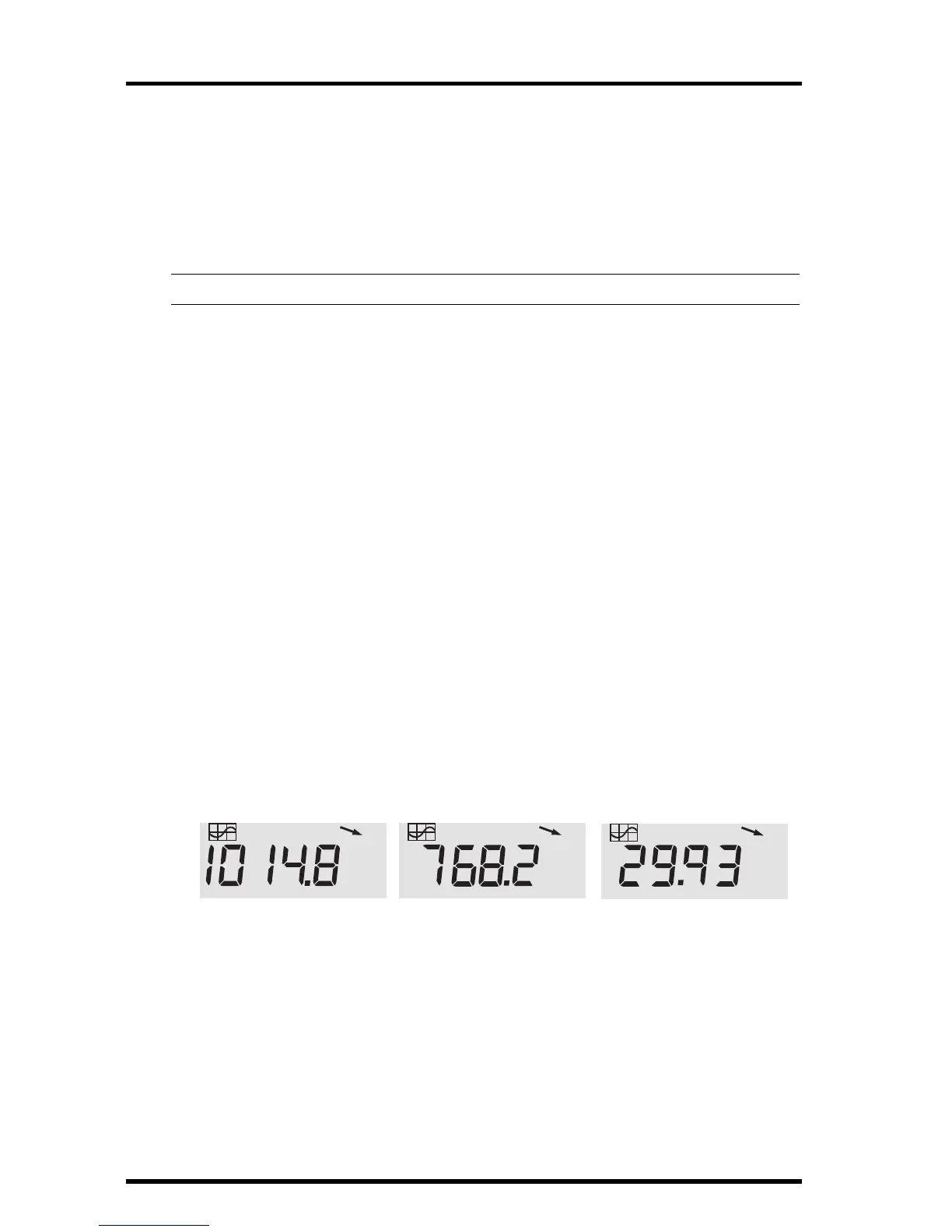
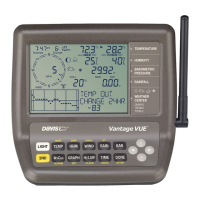
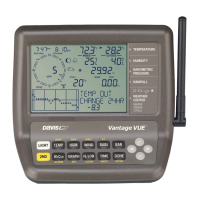
For example, to select Barometric pressure units, activate the Barometric
presure by pushing BAR. Next, press and release the 2ND key, then press the
UNITS key. The units field will display millibars, millimeters, inches, or hecto-
Pascals. Repeating these steps cycles through all four selections. Stop when the
the desired unit appears.
BAROMETER
mb
BAROMETER
BAROMETER
mm
in
Barometric Pressure: millibars (mb), millimeters (mm) and inches (in)





 To Next Page