Vantage Pro Manual Page 7
N
S
WE
NE
SE
NW
SW
C
HILL
W
IND
R
AIN R
ATE
in/hr
TEMP O
UT
HUM
IN
HU
M
O
UT
DAILY
RAIN
in
TEM
P IN
inm
b
BARO
M
ETER
STATIO
N
NO.1
F
F
pm
F
M
PH
L
ast 24 h
rs
h
r
E
ve
ry 1
N
W
S
E
N
W
ELCOME
TO
V
ANTAGE
P
RO
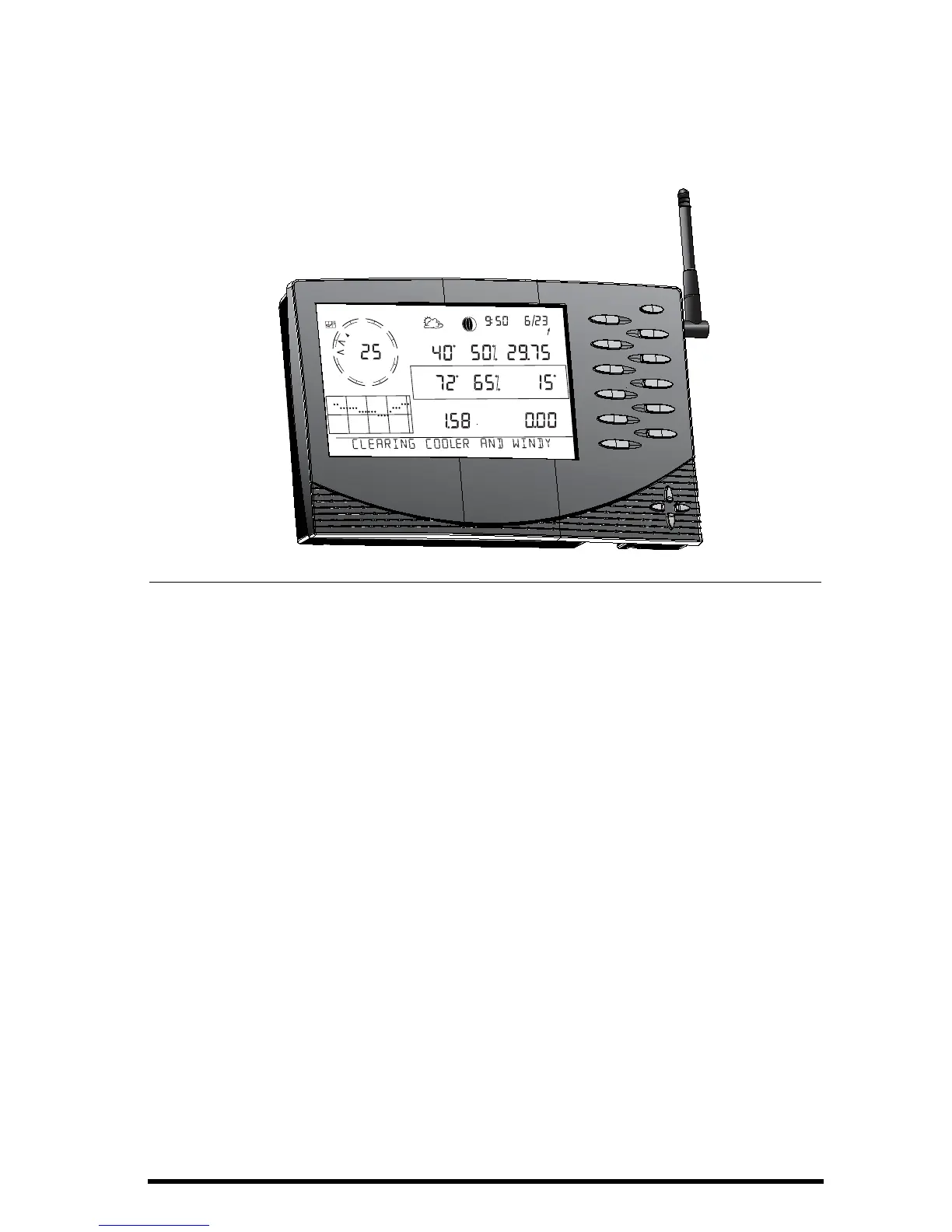
Welcome to Davis Instruments’ Vantage Pro Console. The Console, part of the
comprehensive Vantage Pro system, displays a wealth of weather information
and a forecast based on the latest meteorological algorithms. The console is
also a powerful weather computer, collecting, storing, and displaying histori-
cal weather data.
Station Versions
The Vantage Pro System is available in two models: Cabled and Wireless.
• Cabled Vantage Pro System
The Cabled Vantage Pro system links the Integrated Sensor Suite (ISS) to
the console using standard four-conductor cable.
•Wireless Vantage Pro
The wireless Vantage Pro console receives data transmitted by radio
from the solar-powered ISS. Neither the ISS, nor the console requires AC
power.
Keyboard & Display
The keyboard lets you view current and historical data, set and clear alarms,
change station modes, enter calibration numbers, set up and view graphs,
select sensors, and read the forecast. To learn more about the keyboard, see
“Activating Weather Variables” on page 27.
















 To Next Page