Vantage Pro Manual Page 17
US I N G T H E V A N T A G EP R O CO N S O L E
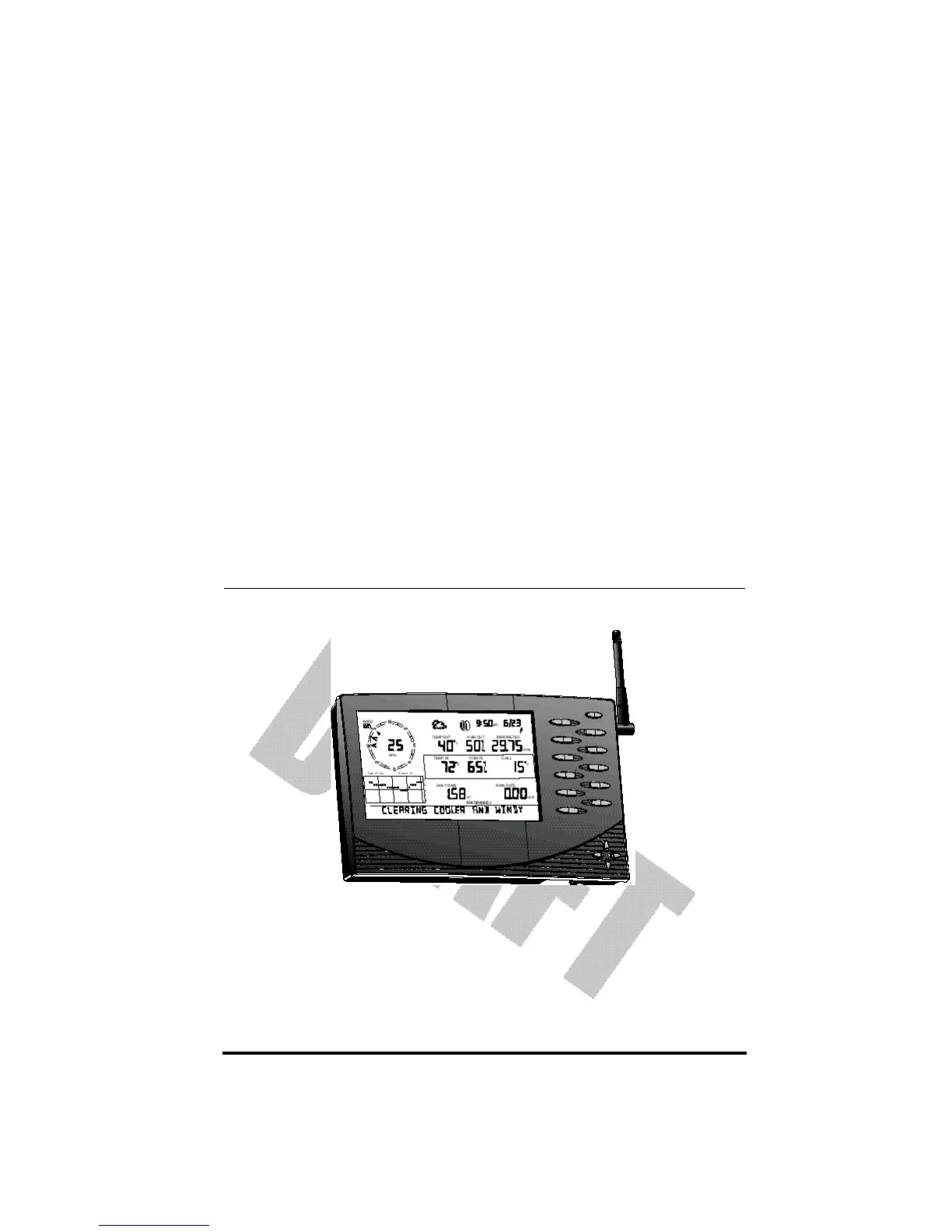
The Vantage Pro display and keyboard are designed for easy access to the most
important weather information. The large LCD display is your window on cur-
rent and past environmental conditions, as well as the place to find the forecast.
The keyboard allows you to interact with the station computer, view current
and historical weather information, set and clear alarms, change station modes,
enter calibration numbers, set up and view graphs, select sensors, read the
forecast, and so on.
CH A P T E R3














 To Next Page