Chapter 3
Page 28 Vantage Pro Console Manual
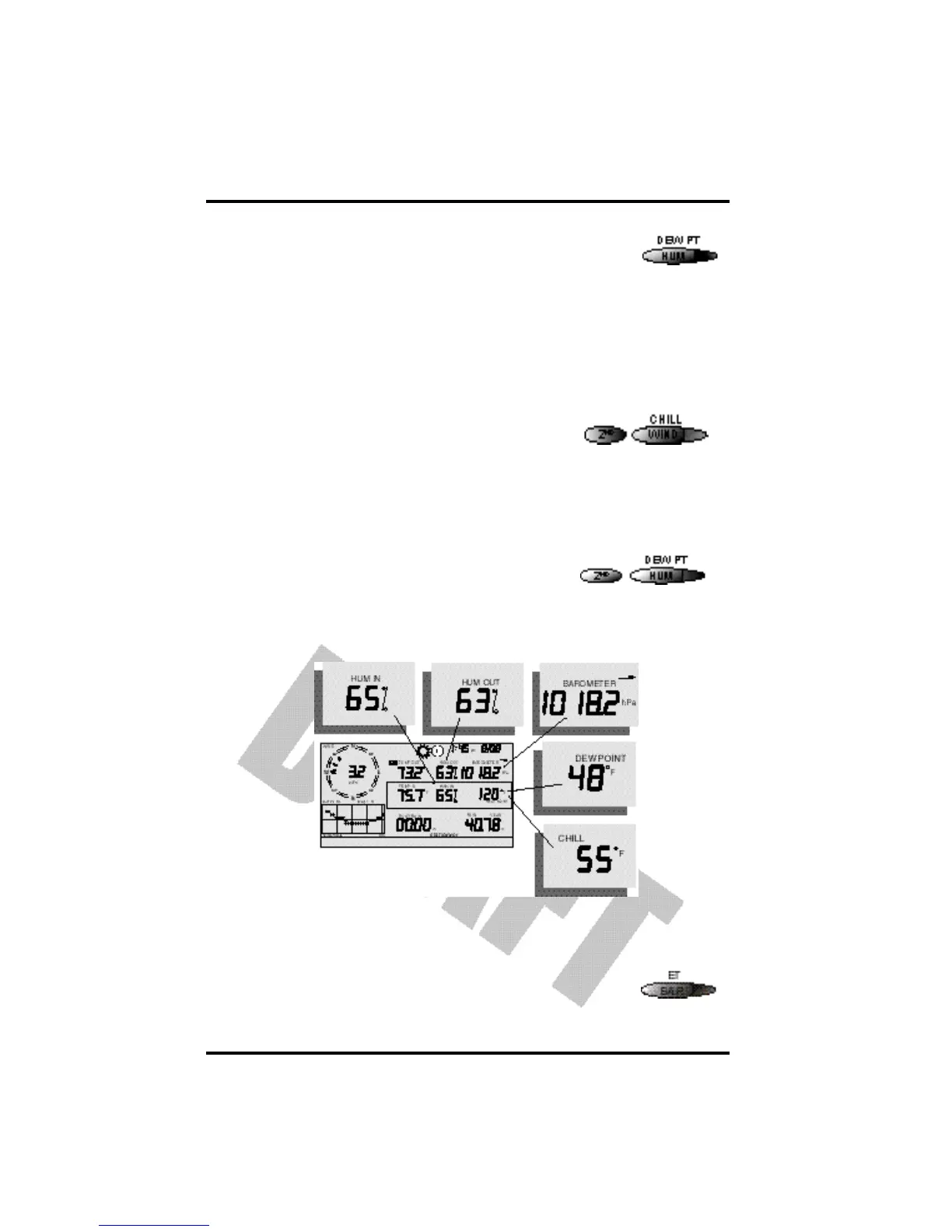
Press the HUM / DEW PT key to select the outside humidity
field.
Press the HUM / DEW PT key again to activate the inside
humidity field.
Humidity is displayed in percent relative humidity. See “Dew-Point” on
page 50.
Wind Chill
• Current Wind Chill
Press and release the 2ND key, then press the WIND
/ CHILL key to select the Wind Chill field.
Wind Chill is displayed in either degrees Fahrenheit
(ºF) or Centigrade (ºC). See “Apparent Temperature
Measures” on page 47.
Dew Point
• Current Dew Point
Press and release the 2ND key, then press the
HUM / DEW PT key to select the Dew Point
field.
Dew Point is displayed in either degrees Farenheit (ºF) or Centigrade (ºC). See
“Dew-Point” on page 50.
Barometric Pressure
• Current Barometric Pressure
Press the BAR / ET key to select the barometric pressure.
Humidity, Pressure, Dew Point,
& Wind Chill














 To Next Page