Tools for Installation
3
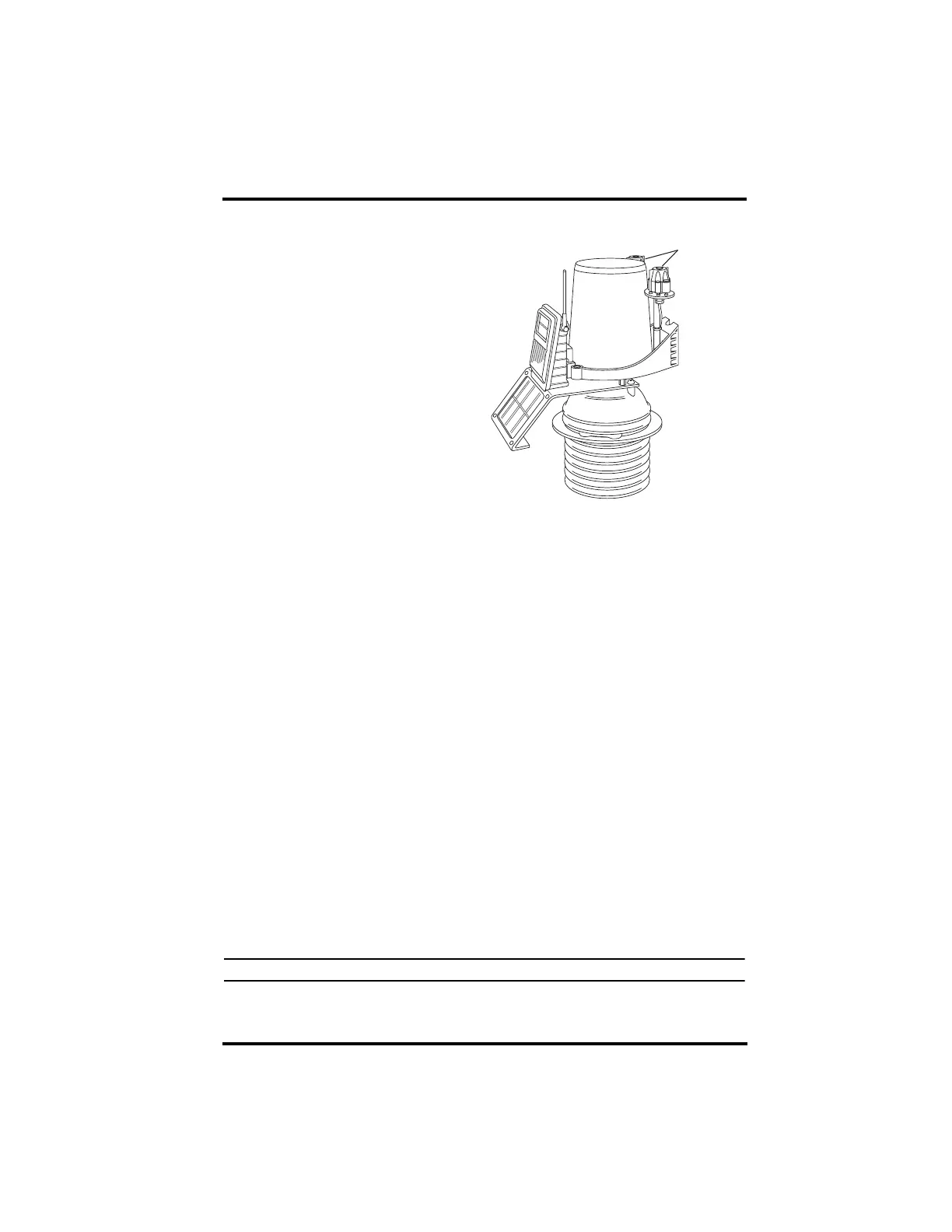
Additional Components on Vantage Pro Plus
Vantage Pro2 Plus™ includes
an ultraviolet (UV) sensor and
a solar radiation sensor. These
two sensors are mounted next
to the rain collector on your
ISS
See the Integrated Sensor Suite
about mounting and maintain-
ing these sensors.
Do not to touch the small
white diffusers on top of the
UV and solar radiation sen-
sors. Oil from the skin reduces
sensor sensitivity.
Tools for Installation
Refer to this section in your ISS Installation Manual on assembling the
anemometer.
Preparing the ISS for Installation
Refer to this section in your ISS Installation Manual on assembling the
anemometer.
Preparing the SIM for Installation
The ISS sensors are connected by cables to the Sensor Interface Module
(SIM), located inside the SIM housing. The SIM contains electronics that
measure and store weather values for transmission to the console via radio.
The SIM housing protects the SIM from the elements and provides easy
access to SIM cable connections.
See the ISS Installation manual on checking the sensor connections to the
SIM and for any additional sensor and wireless installation instructions.
Preparing the Rain Collector
Follow these steps to prepare the rain collector for operation.
1. Remove the rain collector cone from its base by rotating the cone
counter-clockwise until its latches line up with openings which allow
you to lift it off. The cone fits in the base tightly and may require extra
pressure to remove it when new.
Note: Steady the base between your knees when you rotate the rain collector.
Sensor
Mounting Shel
UV and Solar
Sensors














 To Next Page