9
Alert mode
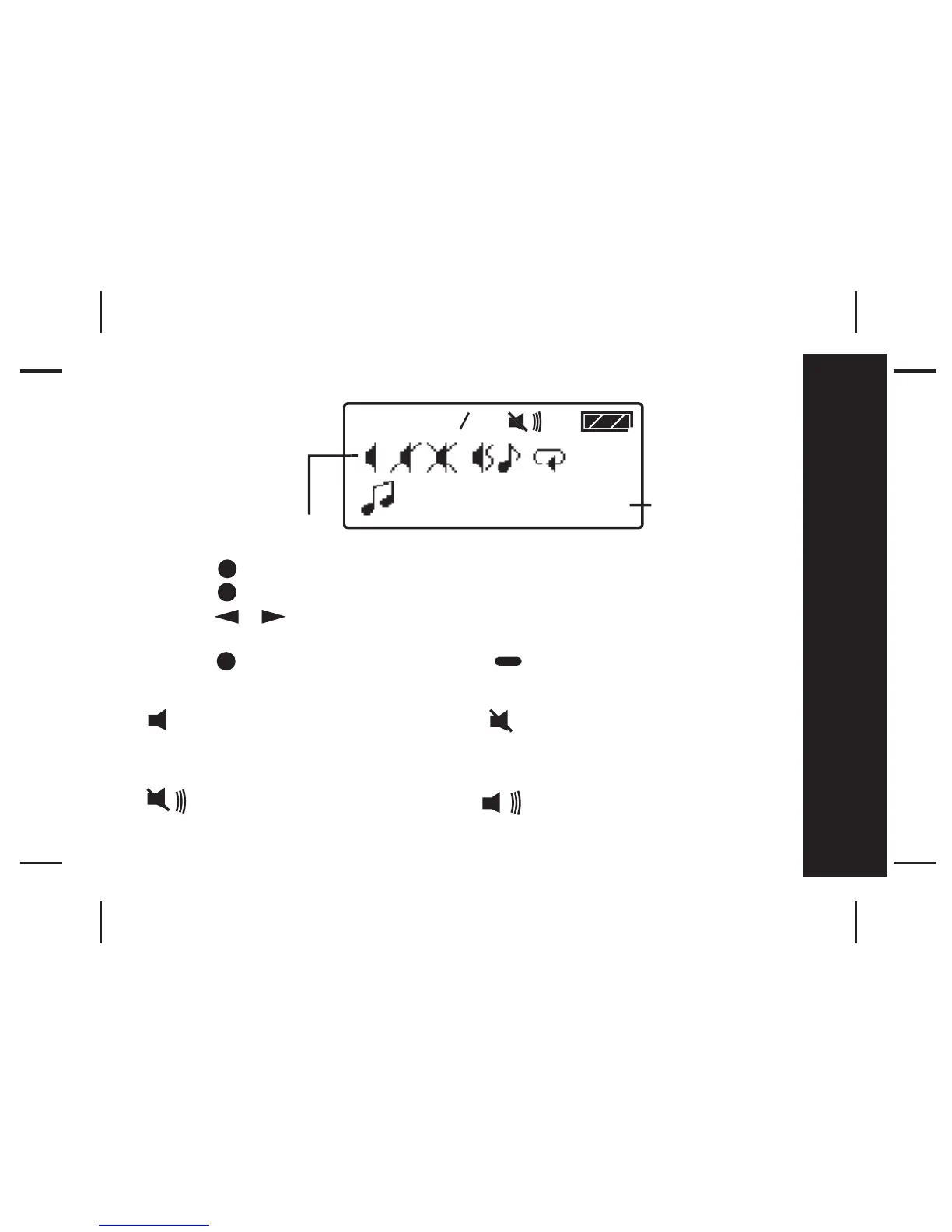
- Press to enter the Function Menu screen from the Main Menu screen.
- Press to enter alert mode sub function.
- Press to move to different alert modes; from vibrate to sleep,
vibra-call, chirp, continuous alert and pleasing alert 1 to 8.
- Press to confirm your selection, or to cancel.
The alert status is updated in the status icon display, as described below:
Audio: Sleep:
Alert melody, chirp, Receives message but no
continuous alert. alert.
Vibrate:
Vibration



 To Next Page