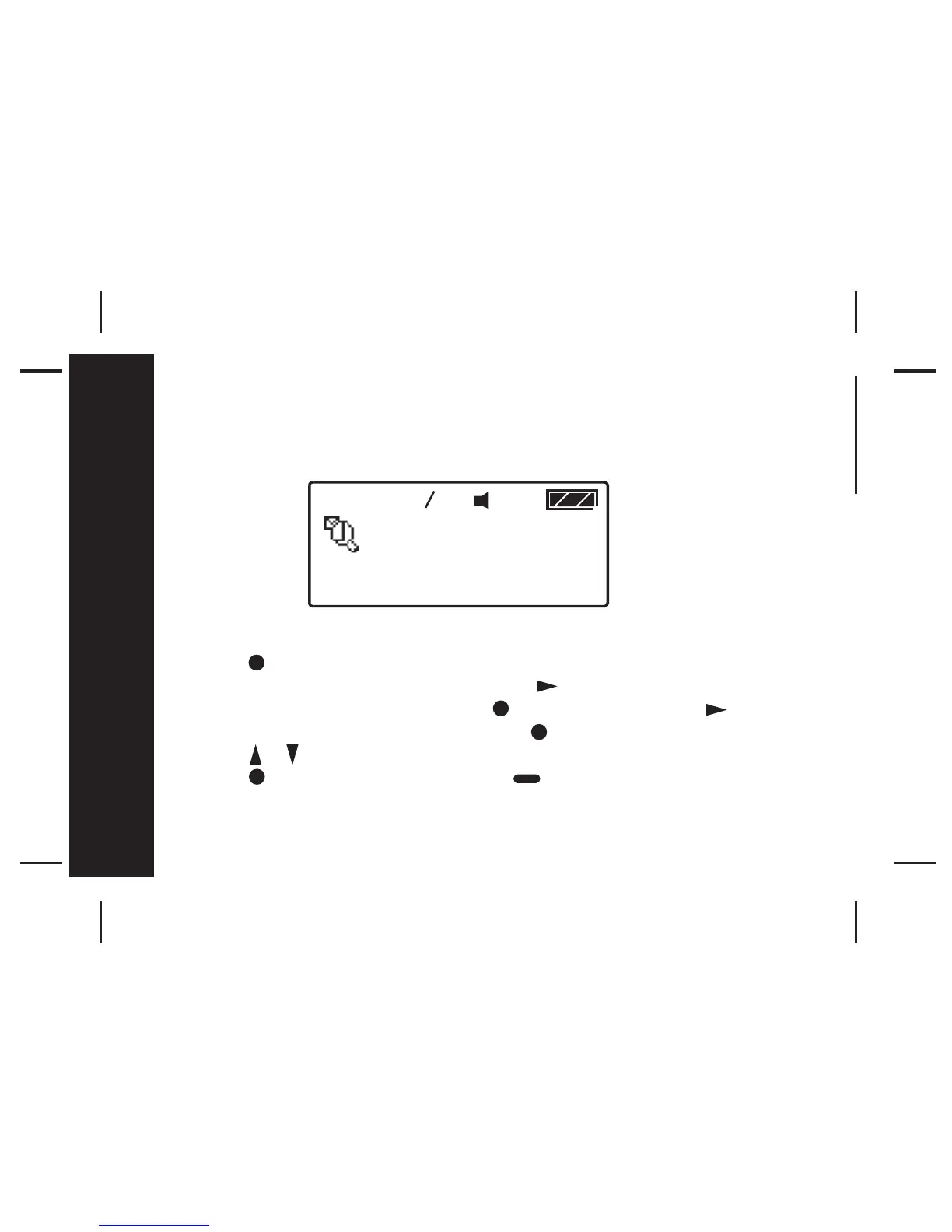
- Press once from Main Menu screen to enter the Function Menu screen
and "SET ALERT" will appear. Press the button four times to select
"PAGER CONTROL", then press the button and scroll the button
three times and "ZOOM " appears. Press to enter the Set Zoom menu.
- Press / to switch ZOOM ON or OFF.
- Press to confirm your settings, or to cancel.
1



 To Next Page