14
Pager Control
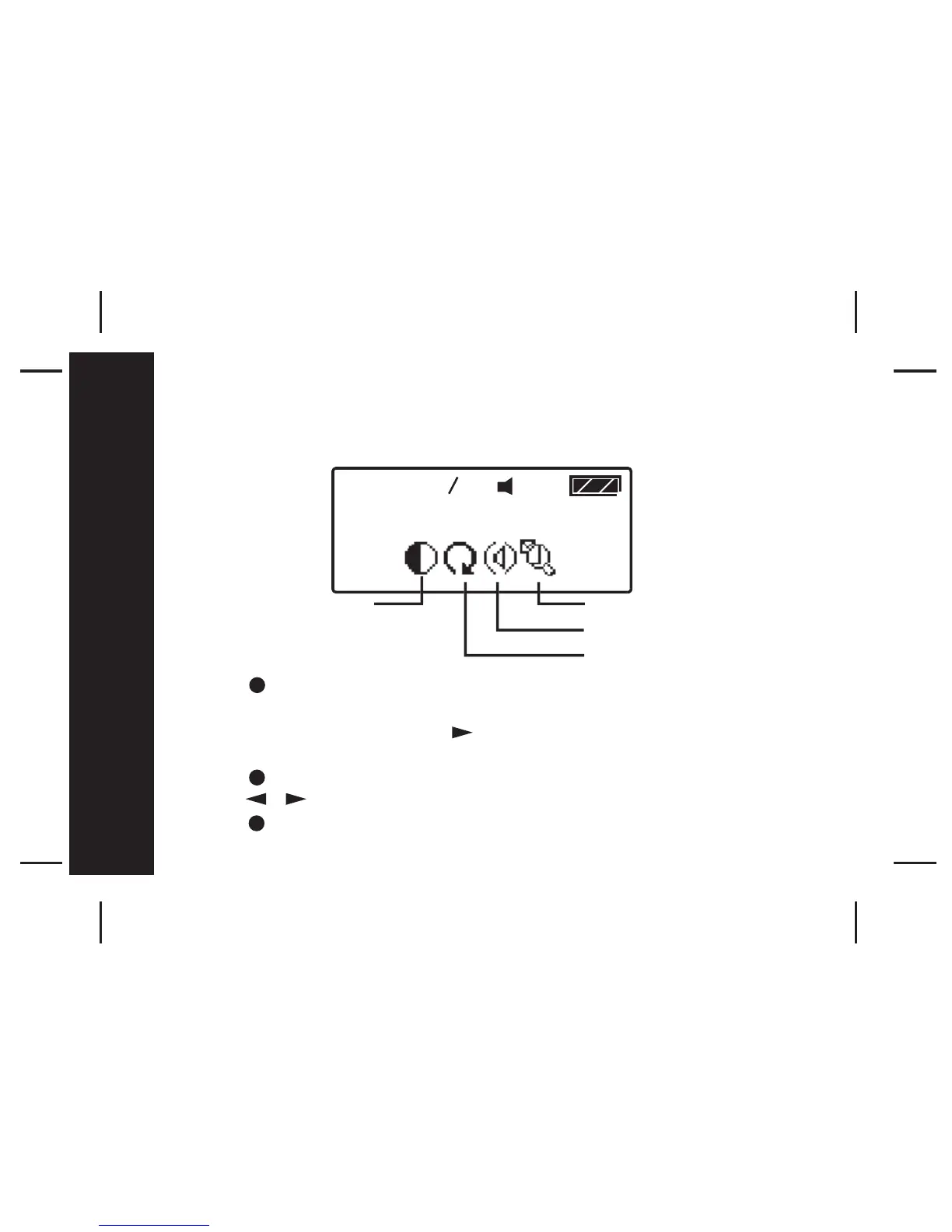
The Pager Control Menu allows you to control the default settings of your
pager.
- Press once from the Main Menu screen to go to the Function Menu
screen
- SET ALERT will appear. Press four times to navigate to PAGER
CONTROL
- Press to enter subfunction screen.
- Press move to the next control icon.
- Press to enter the selected control setting screen.
12:00 01 01
#



 To Next Page