4
UNLOCK
Battery Installation and
Removal
- Ensure that the pager is off.
Otherwise settings and messages
may be lost! (See page 6 for
instructions on how to turn your
pager off).
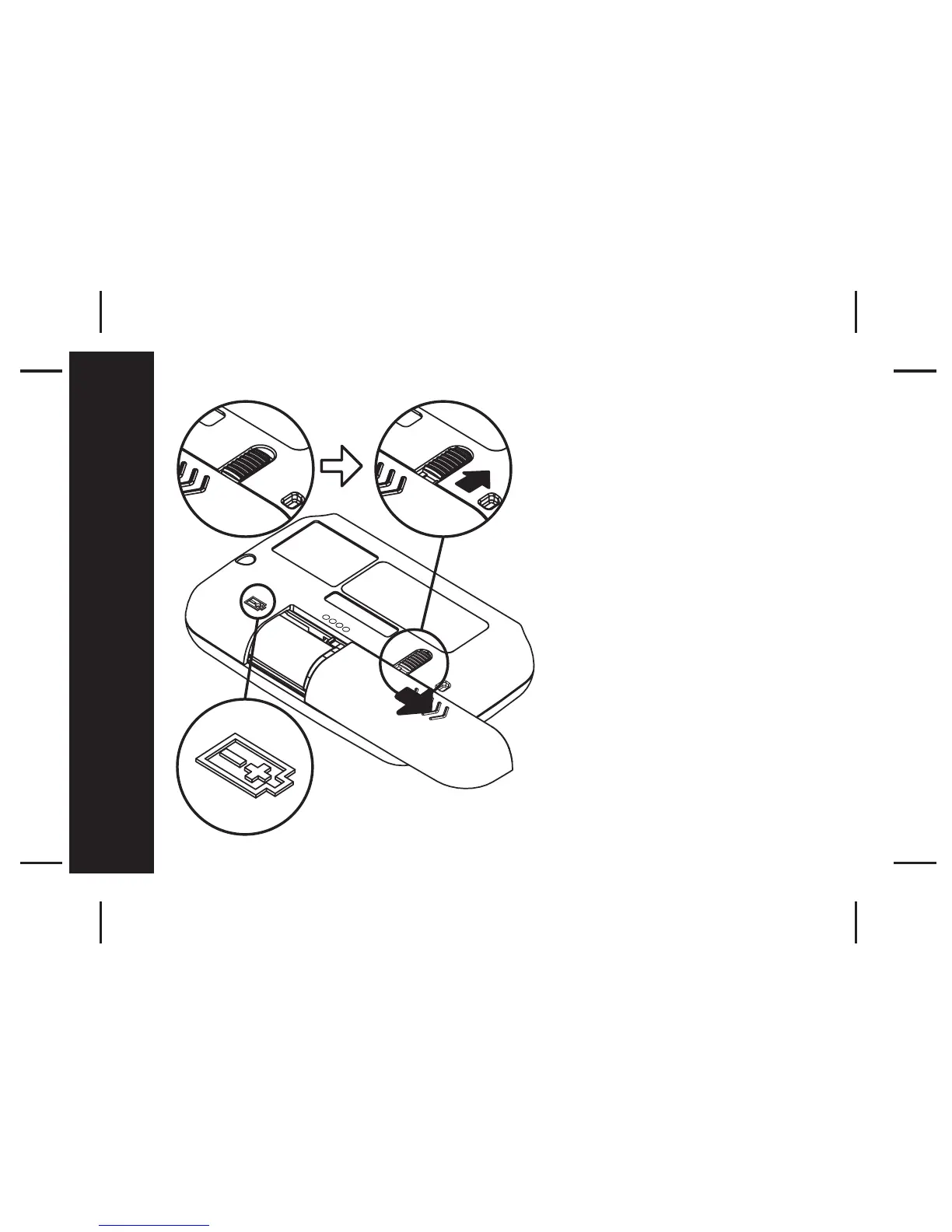
- Place the pager face down in the
palm of your hand
- Unlock the battery door lock by
sliding it to the unlocked position.
- Push the battery door and slide it
out as shown.
- Slide a new battery into the battery
compartment.
- Ensure that the battery polarity is
correct as indicated on the housing.
- To close the battery cover, slide the
battery door back into position and
lock it using the battery door lock
Getting Started



 To Next Page