21
Messages
Mail Folder (Information Service)
Your pager can receive information such as world news or financial report
(the extent of the information received depends on your carrier)
- Press any button to enter the Main Menu Screen from the standby screen
- Press to enter the Mail Folder Screen from the Main Menu screen
when the cursor is on the Mail Folder icon.
*You can store a maximum of 5 mail messages from the same source in
one slot.
*After a slot is full(5 messages) the next incoming message will delete the
oldest message.
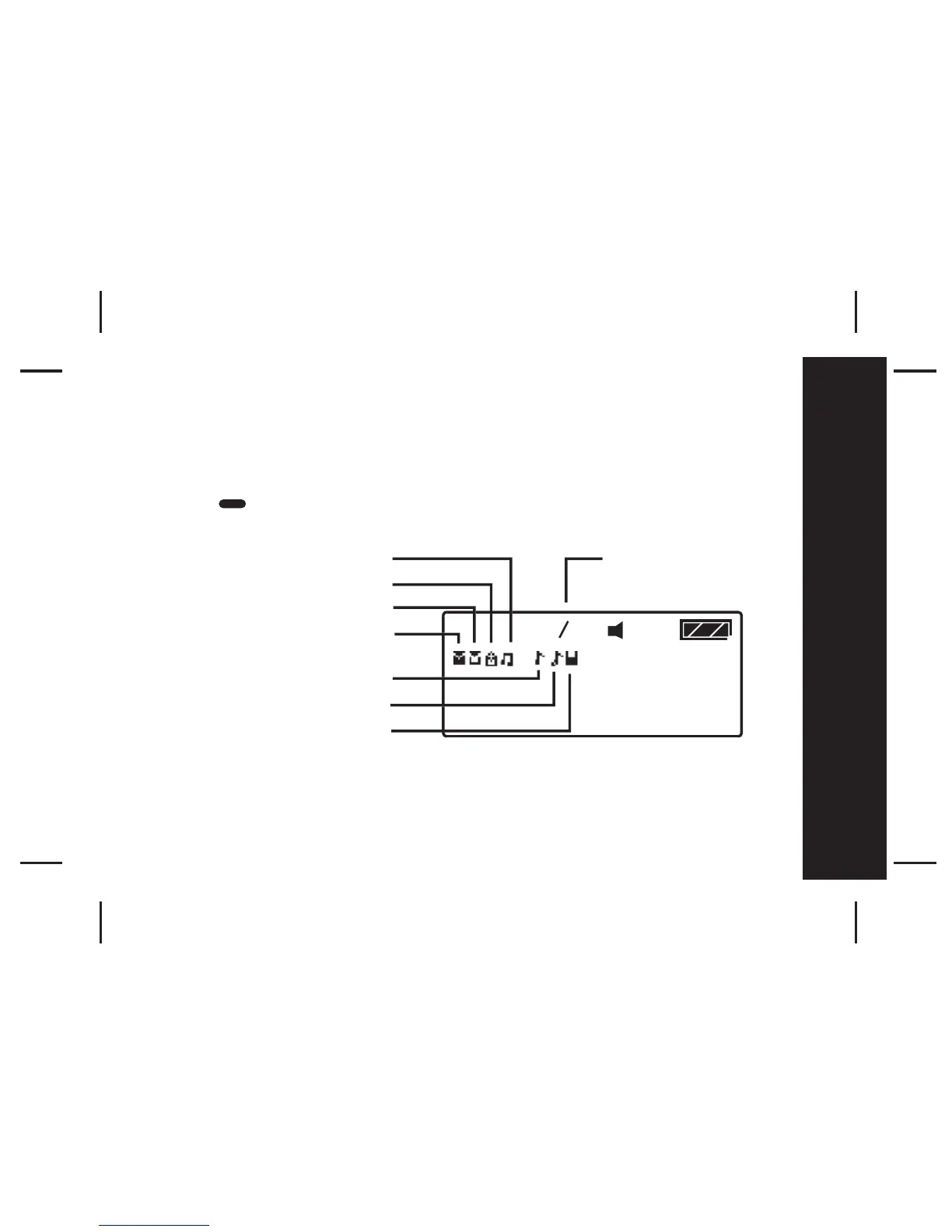
No mail, alert inactive
Unread mail, alert inactive
No mail, alert active
Read mail, alert inactive
Current cursor position
Read mail, alert active
Unread mail, alert active
Cursor position/
number of mail slots



 To Next Page