27
Receiving Messages
When a message is received, your pager alerts you according to your set
alert mode. The time and date stamp at the end of each message indicates
when the message was received.
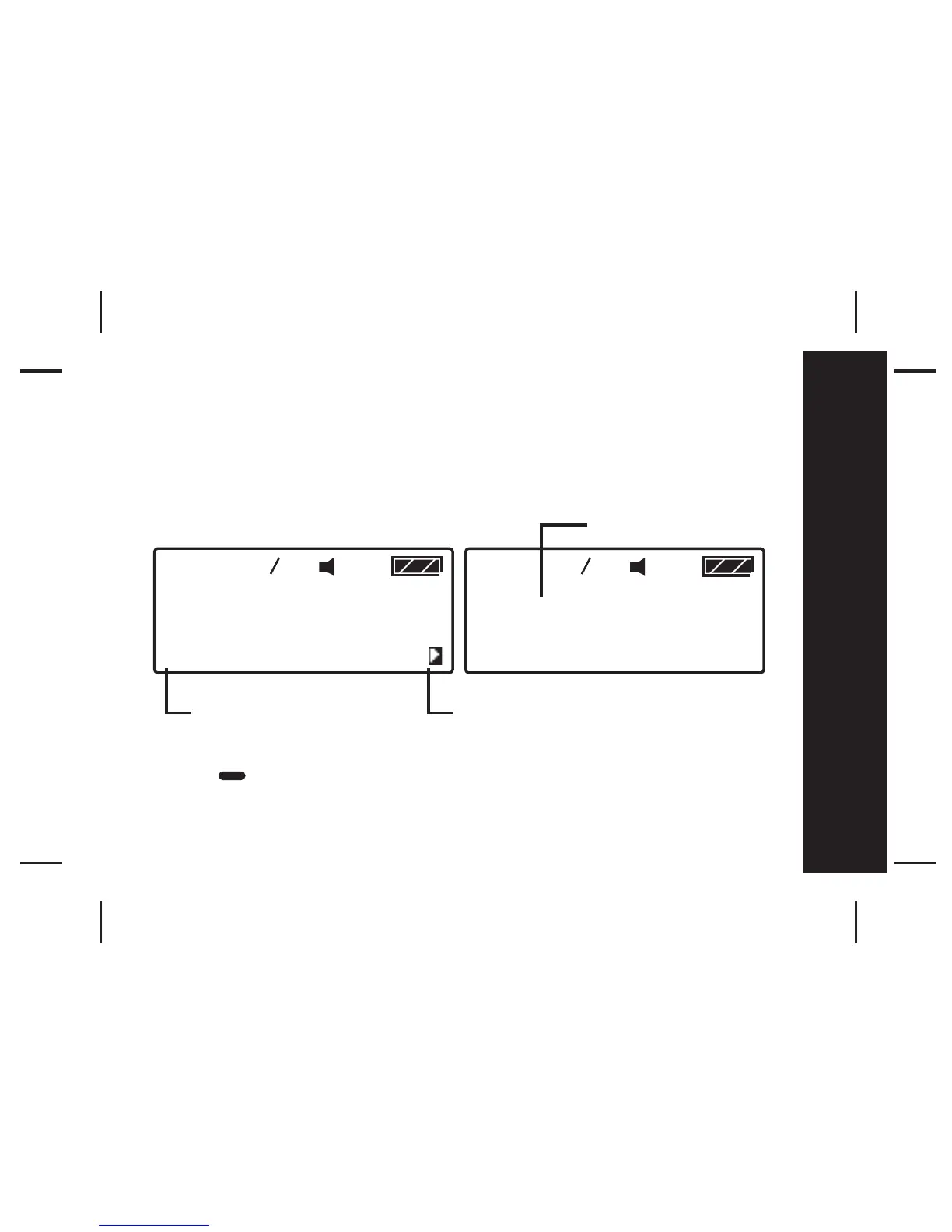
- Press to read the message.
05 07
MESSAGE TEXT MESSAGE
TEXT MESSAGE TEXT
MESSAGE TEXT MESSAGE
TEXT MESSAGE TEXT
05 07
CAP-1
12:01AM 0 1FEB2003
Time and Date stamp
4-line x 20 Alpha characters Arrow indicating that the
message continues on the next
screen
Messages



 To Next Page