38
Issued: 28.02.2005
Strider MD 4 Plus
Driving the Strider
Speed controller
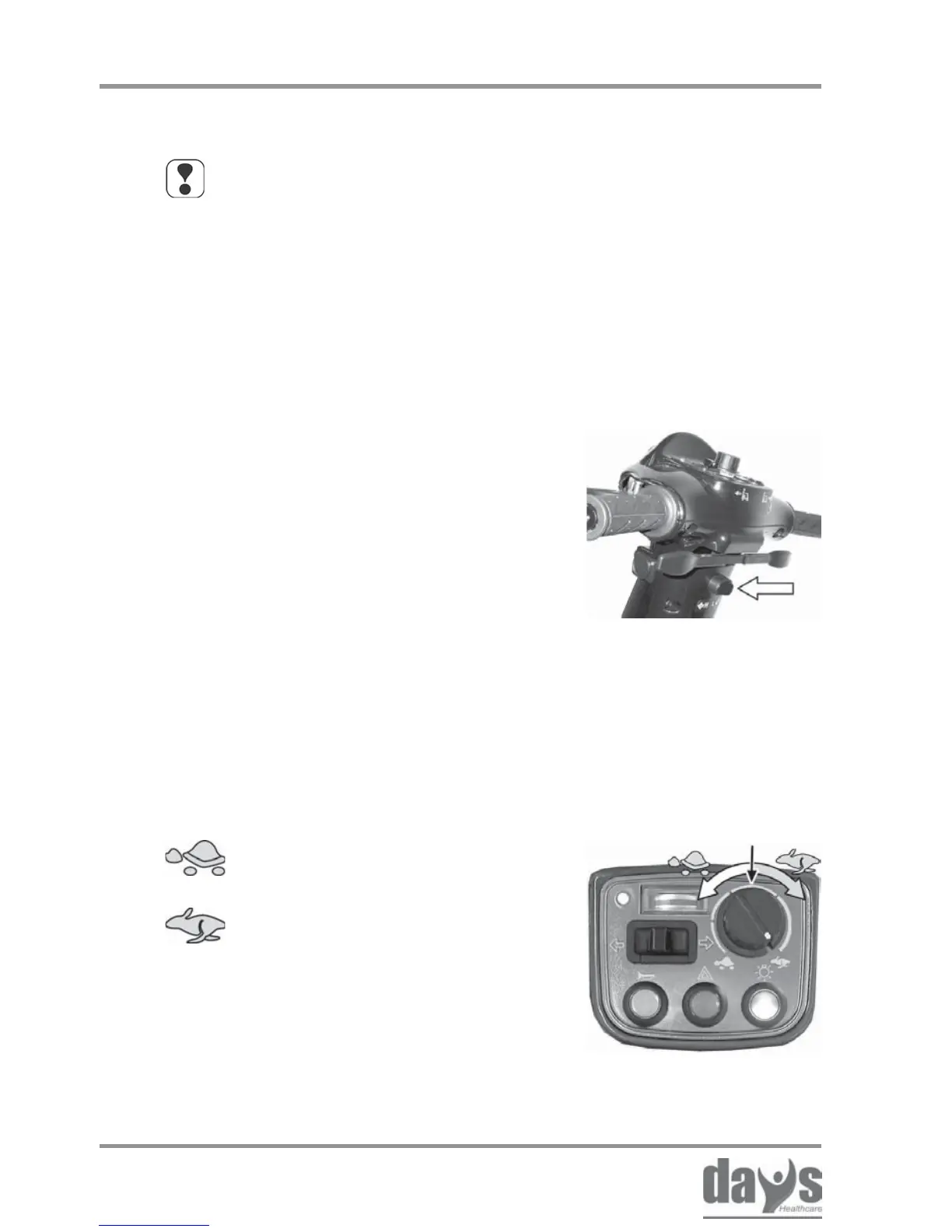
Adjust the required maximum driving
speed by turning the speed controller.
➨
Your maximum driving speed can be variably adjusted using
the speed controller.
Controller symbols:
Maximum driving speed = drive lever pressed as far as stop
= lowest possible maximum driving
speed for the required drive level
= highest possible maximum driving
speed for the required drive level
NOTE
Use the adjustment facilities to adjust the speed to suit local
conditions.
Select a lower speed if you are driving through narrow gaps,
on inclines or through crowds.
You can use the drive level selection
switch to set the maximum driving speed.
Move the toggle switch to setting H or L
to adjust the required maximum driving
speed.
➨
Selecting the drive level
7.5 Adjusting the speed
7.5.1 Preselecting the drive level
7.5.2 Adjusting the speed
Drive levels:
H = 12 kph (8 mph) maximum driving speed
L = 6 kph (4 mph) maximum driving speed


 To Next Page