79
Issued: 28.02.2005
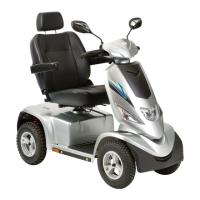
Strider MD 4 Plus
Repairs - lighting
Tools required:
1 x screwdriver; Phillips head No. 2
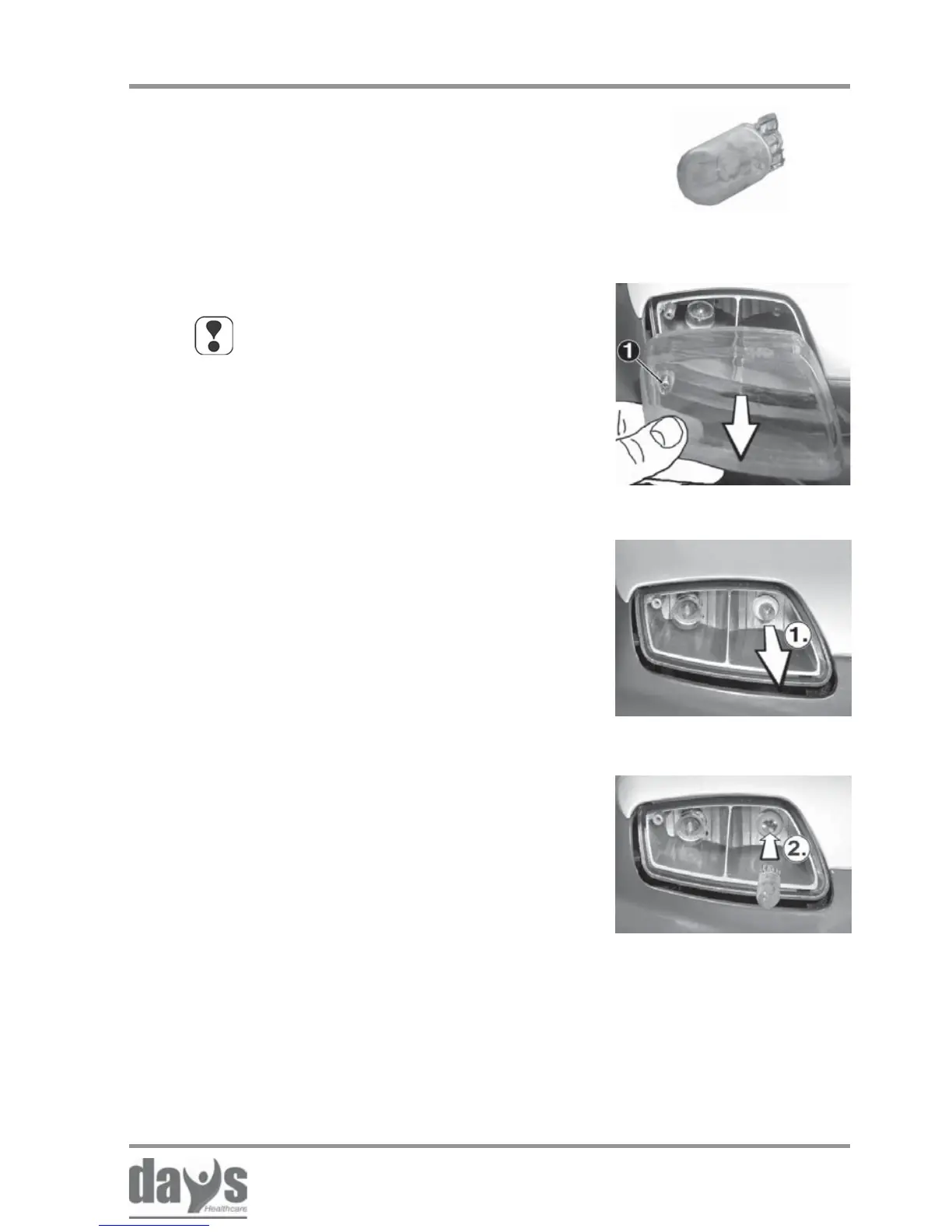
Bulb version used: 24 V / 5 Watt
(glass base lamp)
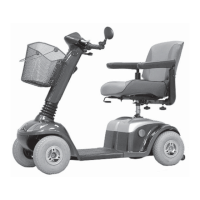
Loosen the fixing screw (1) and remove
the front or rear light lens.
➨
NOTE
The working sequence for front and
rear indicators is the same, and is
described using photographs of the
rear lights.
Insert the rear or front light lens and
secure with the fixing screws.
➨
17.4.1 Replacing bulbs in headlights and rear light
17.4 Lighting
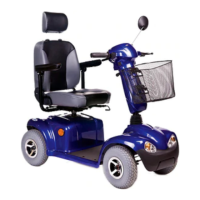
(2.) Align the bulb base with the bulb
holder and press the bulb in.
➨
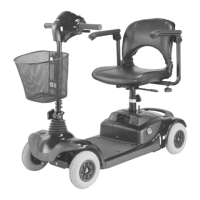
Removing the bulb
Fitting a new bulb
(1.) Pull the bulb out of the lamp holder.➨
Removing the lamp lens


 To Next Page