
 Need help?
Do you have a question about the DaytonAudio MA1240 and is the answer not in the manual?
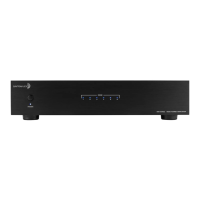
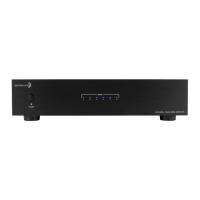
Controls power and indicates standby/active status via an LED.
Bi-color LEDs showing zone operational status and potential fault conditions.
BUS inputs/outputs, individual channel inputs, and trigger I/O for system integration.
Remote turn-on switch modes (Trigger, Auto, On) and trigger input/output for automation.
Gain control per channel and bridging switch to combine channels for more power.
Input selection switch for BUS 1, BUS 2, or LINE IN for each channel.
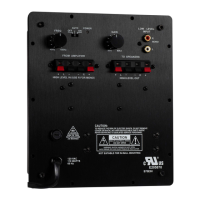
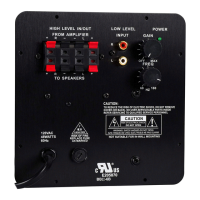
Phoenix speaker terminals, AC voltage selector, and IEC power connector.
Diagram of a typical installation and troubleshooting advice for hum issues.
Detailed technical data including power output, frequency response, and dimensions.
Critical guidelines to reduce the risk of electric shock, fire, and ensure proper ventilation.
 General
| Brand | DaytonAudio |
|---|---|
| Model | MA1240 |
| Category | Amplifier |
| Language | English |

 To Next Page