
 Need help?
Do you have a question about the DaytonAudio MA1240a and is the answer not in the manual?
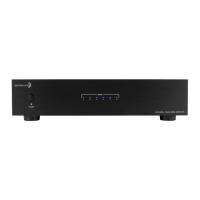
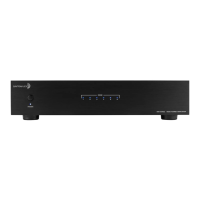
Master power switch and indicator LED, plus zone status LEDs for operational feedback.
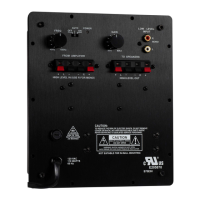
BUS line I/O for signal distribution and remote turn-on switch for system integration.
Trigger connections for automation and individual channel gain controls for level matching.
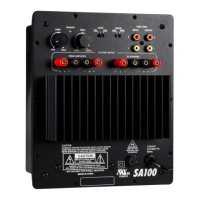
Bridging switches, input source selection per channel, and speaker output terminals.
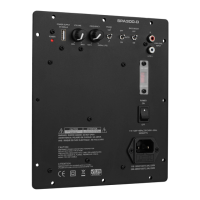
AC voltage selector switch and IEC power connector with fuse holder.
Crucial safety precautions for operating the amplifier to prevent hazards.
Detailed performance metrics including power, sensitivity, frequency response, and dimensions.
 General
| Brand | DaytonAudio |
|---|---|
| Model | MA1240a |
| Category | Amplifier |
| Language | English |

 To Next Page