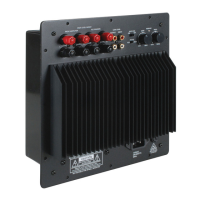
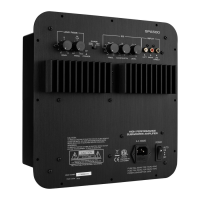
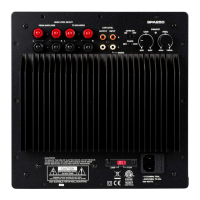
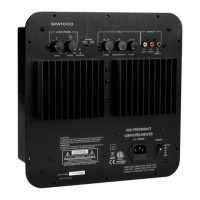
(2)
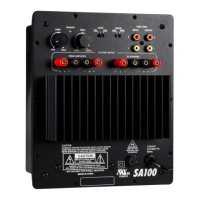
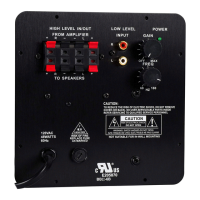
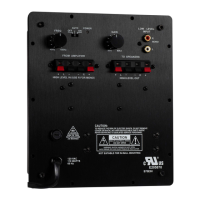
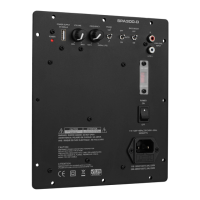
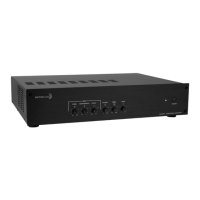
Thank you for purchasing the Dayton Audio
®
SA1000 subwoofer amplifier, one of the most versatile and powerful sub-
woofer amplifiers available. The tabletop or rack-mountable design is perfect for high-end home theater installations or
DIY subwoofer projects. The SA1000 has the power to drive even the most power-hungry subwoofer systems.
FEATURES:
• Patented tracking downconverter power supply for
high efciency
• Class AB output stage for clean, controlled output
• Low frequency parametric EQ allows you to boost or
cut to custom-tailor the sound
• Advanced soft clip circuitry improves headroom and
protects woofers
• Manual, auto, or triggered on/off for integration into
any automated system
• Switchable subsonic and bass boost lters
INSTALLATION:
The SA1000 is designed to provide high delity subwoofer amplication and is tailored for home audio, home theater, and
studio environments.
It is not recommended for use in DJ, pro-sound, or other high-duty-cycle applications. For home audio tabletop applications,
use the unit as it comes out of the box with the rubber feet and without the rack ears. In a custom home theater or studio
where rack mounting is available, simply remove the rubber feet and attach the included rack ears. The amplier runs cool
thanks to its high efciency, but care should be taken to leave some room for air circulation above the amplier. Stacked com-
ponents that utilize rubber or plastic feet should provide adequate clearance in most situations.
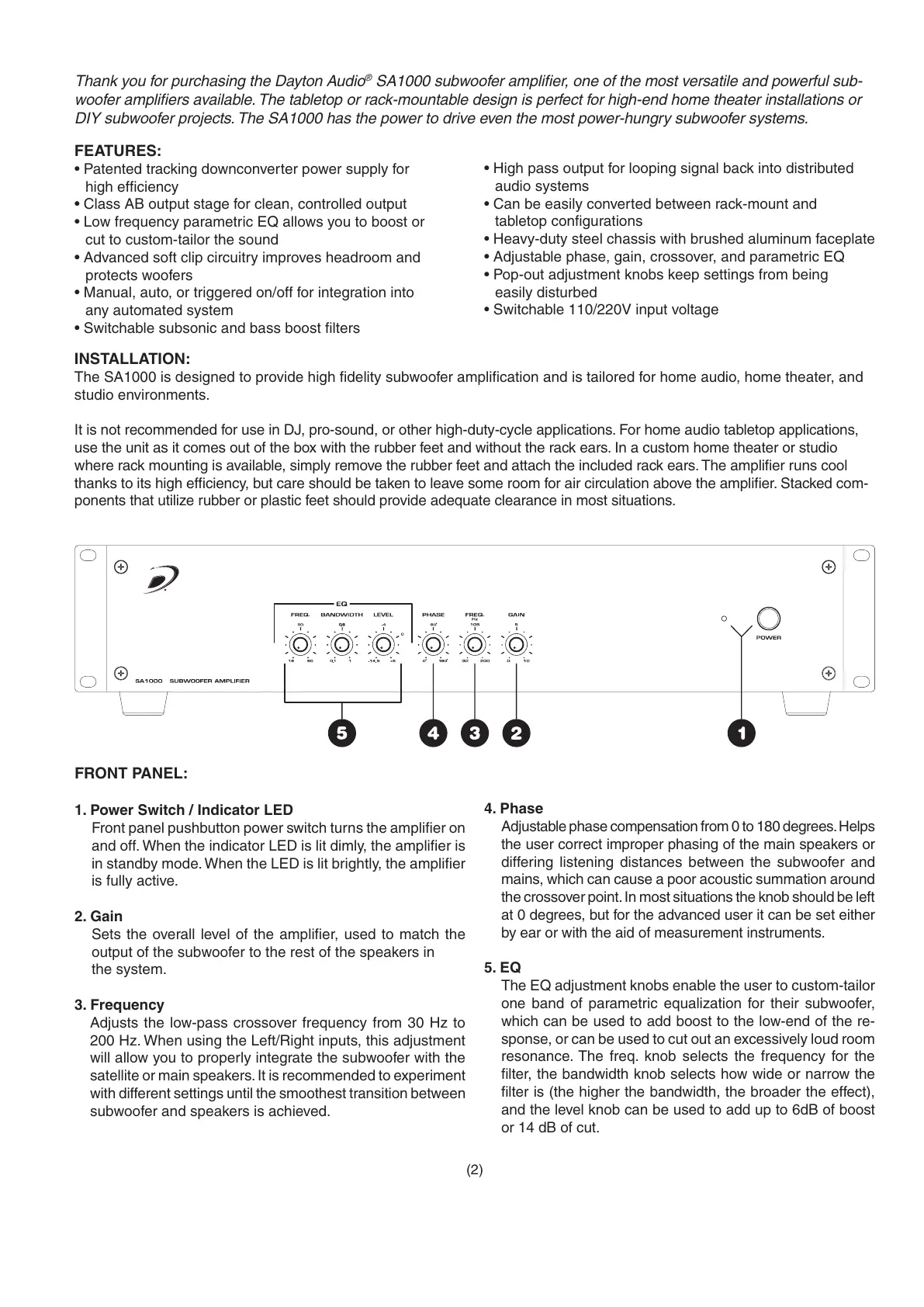
FRONT PANEL:
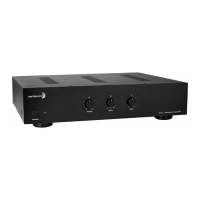
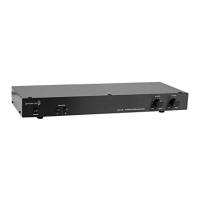
1. Power Switch / Indicator LED
Front panel pushbutton power switch turns the amplier on
and off. When the indicator LED is lit dimly, the amplier is
in standby mode. When the LED is lit brightly, the amplier
is fully active.
2. Gain
Sets the overall level of the amplier, used to match the
output of the subwoofer to the rest of the speakers in
the system.
3. Frequency
Adjusts the low-pass crossover frequency from 30 Hz to
200 Hz. When using the Left/Right inputs, this adjustment
will allow you to properly integrate the subwoofer with the
satellite or main speakers. It is recommended to experiment
with different settings until the smoothest transition between
subwoofer and speakers is achieved.
4. Phase
Adjustable phase compensation from 0 to 180 degrees. Helps
the user correct improper phasing of the main speakers or
differing listening distances between the subwoofer and
mains, which can cause a poor acoustic summation around
the crossover point. In most situations the knob should be left
at 0 degrees, but for the advanced user it can be set either
by ear or with the aid of measurement instruments.
5. EQ
The EQ adjustment knobs enable the user to custom-tailor
one band of parametric equalization for their subwoofer,
which can be used to add boost to the low-end of the re-
sponse, or can be used to cut out an excessively loud room
resonance. The freq. knob selects the frequency for the
lter, the bandwidth knob selects how wide or narrow the
lter is (the higher the bandwidth, the broader the effect),
and the level knob can be used to add up to 6dB of boost
or 14 dB of cut.
• High pass output for looping signal back into distributed
audio systems
• Can be easily converted between rack-mount and
tabletop congurations
• Heavy-duty steel chassis with brushed aluminum faceplate
• Adjustable phase, gain, crossover, and parametric EQ
• Pop-out adjustment knobs keep settings from being
easily disturbed
• Switchable 110/220V input voltage


 To Next Page
 Loading...