26
SUB 615 - SUB618 Cod. 420120251 REV. 1.0
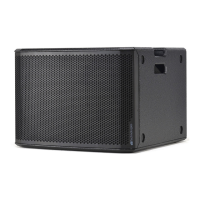
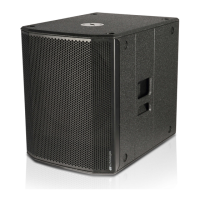
The package of SUB 615 / SUB 618 subwoofer contains:
• 615 or 618 subwoofer
• VDE power cable
• quick start user manual and warranty documents in hard copy
2. FIRST POWER-UP
CONFIGURATION AND OPTIMISATION
SUB 615 and SUB 618, used in a stand-alone conguration, are characterised
by omnidirectional sound emission. This feature is emphasised in case of low
frequencies, while it decreases as frequency
increases.
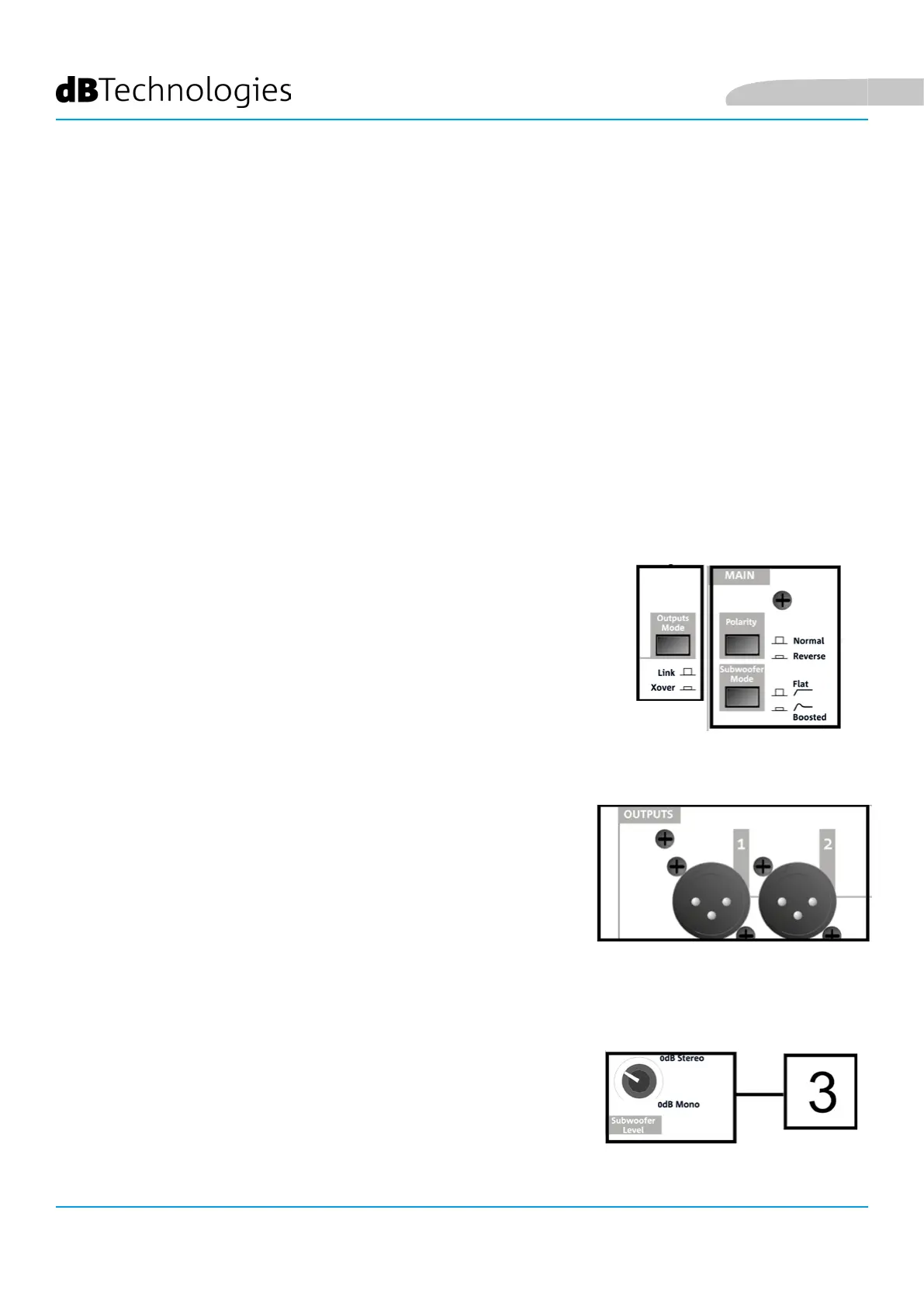
For subwoofer use optimisation in given congurations, the control panel
displays the following:
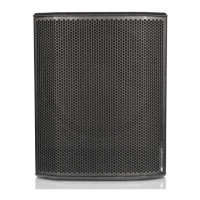
• Outputs Mode:
1. Link (the signal present at OUTPUTS is the one applied to the woofer)
2. Xover (the signal present at OUTPUTS is ltered with a crossover
frequency of 120 Hz, for daisy chain to a speaker, such as B-HYPE and
OPERA)
• Polarity:
1. Normal (audio signal normal polarity)
2. Reverse (reverse polarity, useful for wavefront optimisation through
acoustic wave phase reversal)
• Subwoofer Mode:
1. Flat (sound emission without equalisation)
2. Boosted (sound emission is emphasised in case of low frequencies)
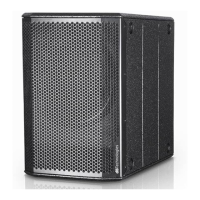
Before power-up, set Subwoofer Level selector [3] to 0 dB (Mono or Stereo,
depending on the conguration).
English


 To Next Page