38.
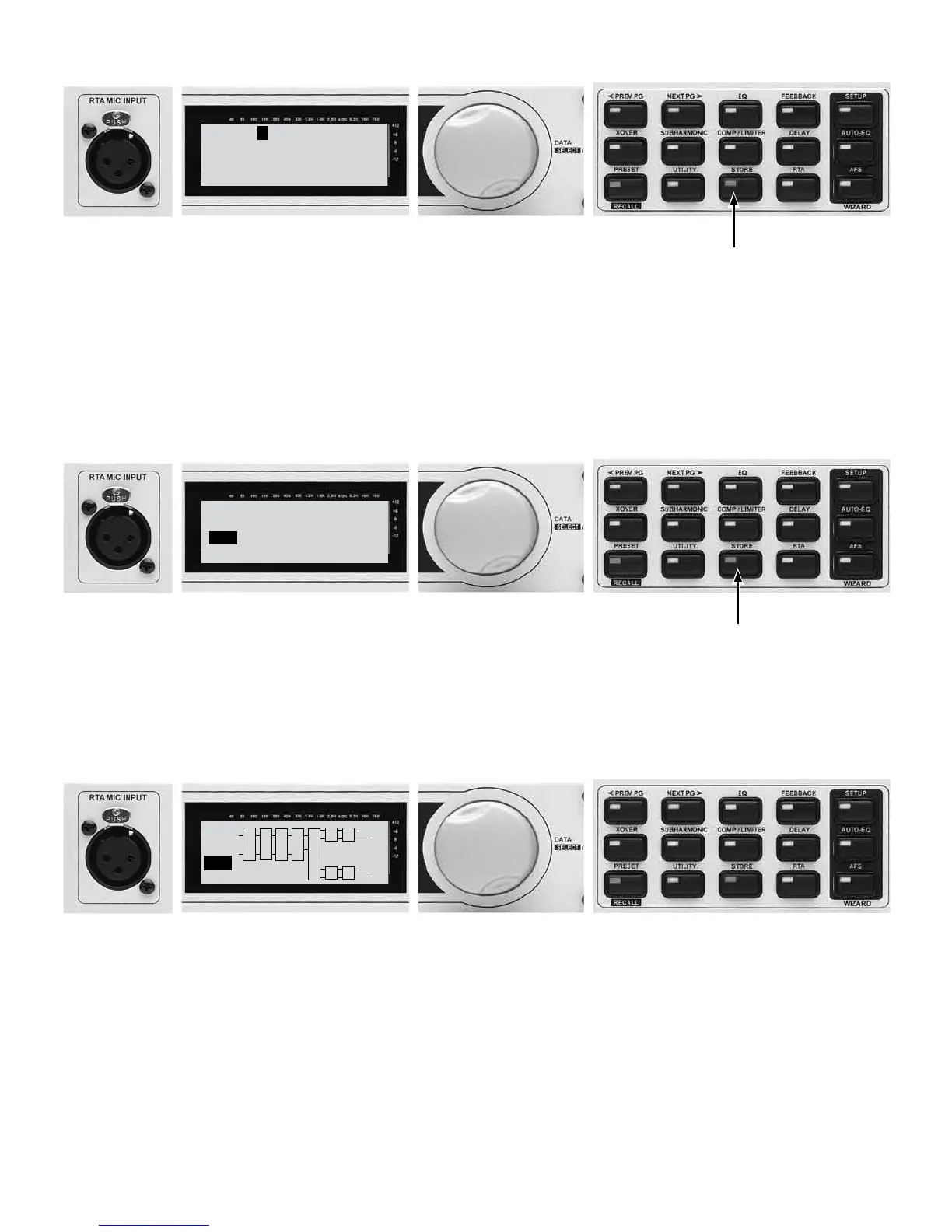
NAME: JRX115 2X4
DATA - SELECTS CHAR
PREV/NEXTPG - LEFT/RIGHT
PRESS STORE TO ADVANCE
38A - Turn the Data Wheel to change
numbers and letters.
38B - Press the NEXT PG or PREV PG buttons
to move between characters. Repeat 32A to
change the next letter.
38C - Press STORE to advance.
39.
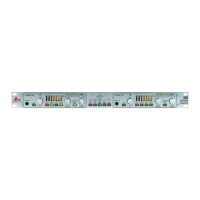
STORE: JRX115 2X4
Replacing:
U 1 Stereo 3Way
PRESS STORE TO ADVANCE
39A - Turn the Data Wheel to change the user preset
number to one of your choosing. (U1 listed above).
NOTE: This will replace the preset that currently resides in
this user location.
39B - Press STORE to advance.
40.
L
P L
R
C
F
B
S
U
B
JRX115 2X4
1
USER
G
P L
LH
RH
LL
RL
X
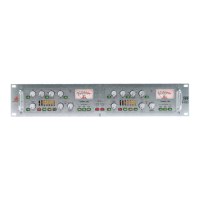
Your new preset has now been stored. Congratulations and enjoy.
For further support please visit www.dbxpro.com.



 To Next Page