2 Description of the machine
2.1 General
This is a semi-automatic hot drink
machine, with (optional) vending
accessories. Always place a cup before
pressing a drink selection key. You can
adjust for weaker or stronger taste with
the up/down scroll keys (3). Your
supplier can make further adjustments
to the strength and sizes of the drinks.
2.2 The machine exterior and interior
See fold out.
2.3 Display and keys
2.3.1 Drink selection keys
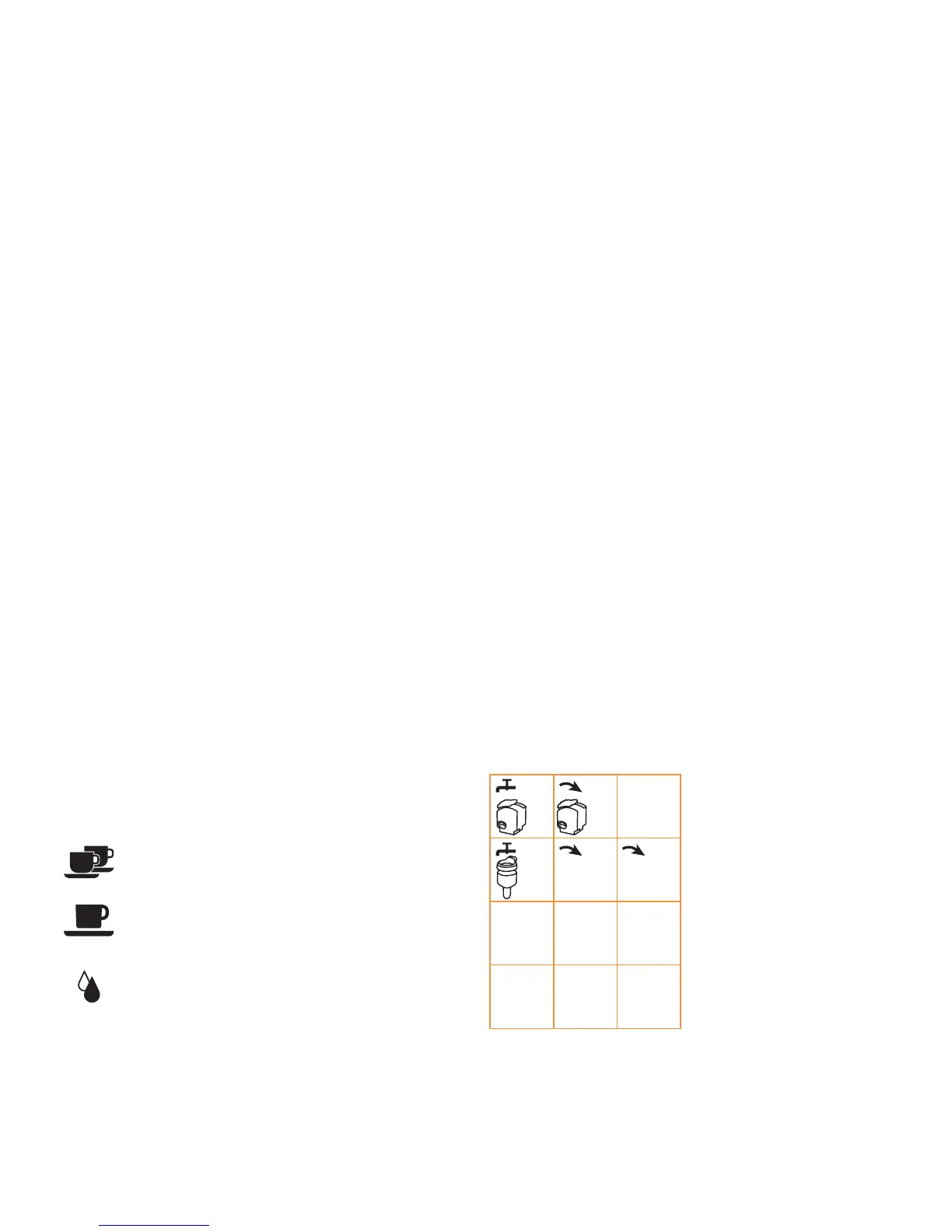
There are five drink selection keys (4).
The left part of the water key gives one
cup of hot water, the smaller right part
on the water key gives hot water
continuously. Optionally this key will
give steam.
Two cups of espresso or
double espresso
Large coffee
Hot water or steam
while key pressed
2.3.2 Display and service keys
The display (2) shows the selected drink,
strength settings, messages and counter
read outs. The up/down scroll keys (3)
allow to adjust the strength. The ‘<’
escape and ‘>’ enter keys allow to cancel
or confirm messages on the display.
2.3.3 Service keyboard
This service keyboard (A) is used for
cleaning (see 5) and for reading the
counters (see 4.2). The service engineer
uses it to change the settings of the
machine.
Key * = Program key
Key 4 = Rinse mixer
Key 5 = Run grinder/coffee I
Key 6 = Run grinder/coffee II
Key 7 = Rinse brewer
Key 8 = Run brewer
Other keys are used by the service
engineer.
(A)
3













 To Next Page