4 Using the Essence
4.1 Preparing a drink
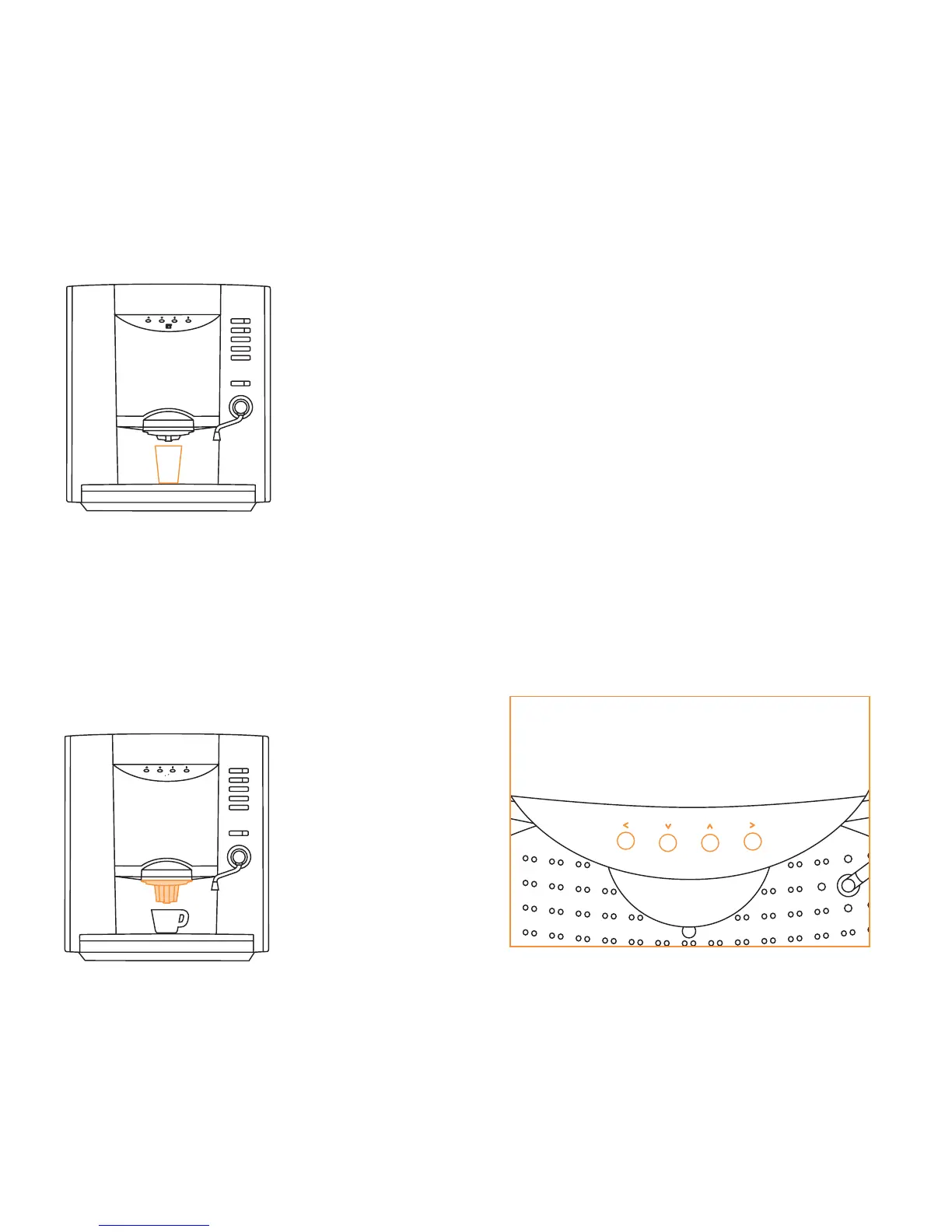
1 Place cup under outlet.
2 Set the strength of your beverage
using the up/down scroll keys (3).
3 Press a drink selection key (4). After
cup is filled, the display will signal
‘beep’ and indicate ‘coffee ready’.
Place the outlet extension (magnetic)
if small cups are used.
4.2 Reading out the counters
Use the service keyboard (A) and the
scroll keys (3). With the ‘<’ escape key
you can leave any menu item to return
to the previous menu item.
1 Press the ‘program*’ key twice on the
service keyboard. A menu appears on
the display.
2 Go to ‘counters’ by using the up/down
scroll keys.
3 Press ‘>’ enter to go into the counters
menu.
4 Scroll down to ‘free’ or ‘paid’ counters
and press ‘>’ enter. The display shows
the counter scores.
5 Press ‘<’ escape key to end the
counters read out.
(3)
5
>
<
<
>
escape scroll down scroll up enter













 To Next Page