7
PRODUCT DESCRIPTION
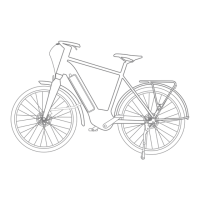
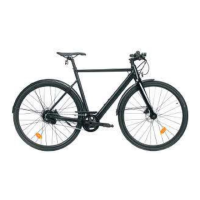
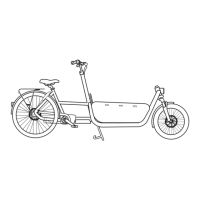
Electrically-assied bike technical features
A
Battery
B
Battery lock handle and barrel
C
Controller
D
Control screen
E
Cable from the control screen to the controller
F
MOTOR
G
Pedal housing with torque sensor
General operation of the electrical assiance
The power-assied bike can be used with or without assiance by pressing the ON/OFF button or altering the modes
0-1-2-3. The 0-1-2-3 assi modes selectable from the «D» screen let you choose a power assi level in addition to
the eort you provide yourself. Power assiance will only work if you are pedalling, with a mode selected other than
0. Assiance cuts o when the speed is above 25km/h. In case of intensive use and in exceptional climatic condi-
tions, assiance may be cut o to safeguard the whole syem.
The power supplied is calculated by the controller «C» according to your pedalling rate and the force applied to the
pedals. According to the mode selected, the controller «C» sends more or less current to the motor «F» to provide
you with the desired level of assiance
Power assiance does not activate or shuts down in the following situations:
The speed is above 25km/h
You’re not pedalling
The remaining charge in the battery is not sucient
«0» is the power assiance mode selected
When the control screen is switched o
In case of intensive use and in exceptional climatic conditions, assiance may be cut o to safeguard the whole
syem
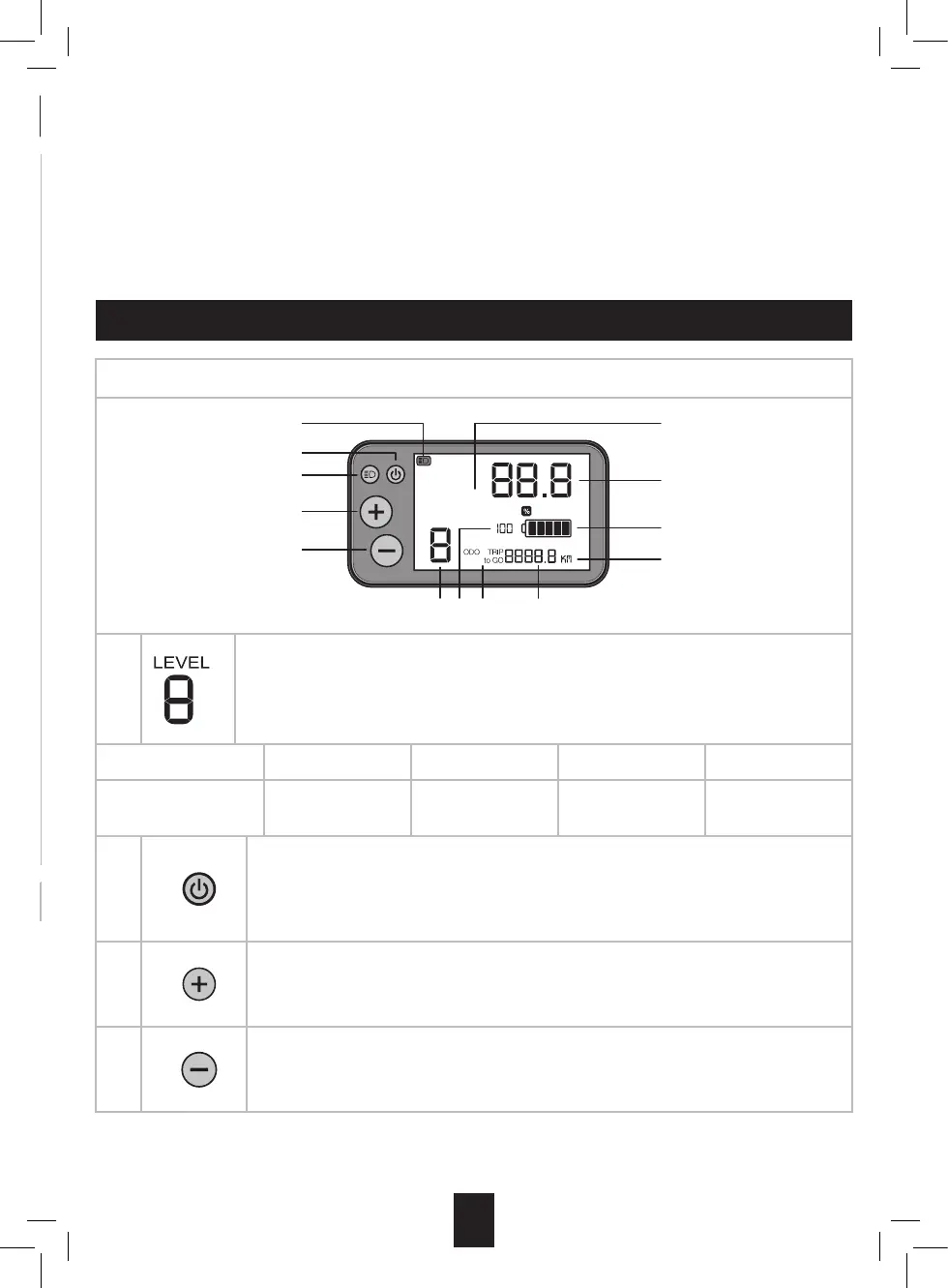
SCREEN AND CONTROL ELEMENTS
Screen data and function
11 7
6
12
10
2
5
3
4
6KM
1
Assiance mode (0-1-2-3):
«0» no assiance.
«1» is the default assiance mode.
Each mode corresponds to the maximum assiance speeds set out below:
Mode 0 1 2 3
Maximum assiance
speeds**
No assiance +50% assiance +100% assiance +150% assiance
2
ON/OFF button:
Switch the electrically-assied bicycle on and o by holding the button down for a few
seconds.
Scroll through the route information (TRIP, ODO, TRIPtoGO) with a short press.
3
«+» button:
Step up to the higher power assiance mode by briey pressing the button
Switch to «walk assi» mode by holding the button down for a few seconds.
4
«-» button:
Switch to a lower power assiance mode by briey pressing the button.
Resetting the TRIP diance counter by a long press (5-10s)





 To Next Page