Example
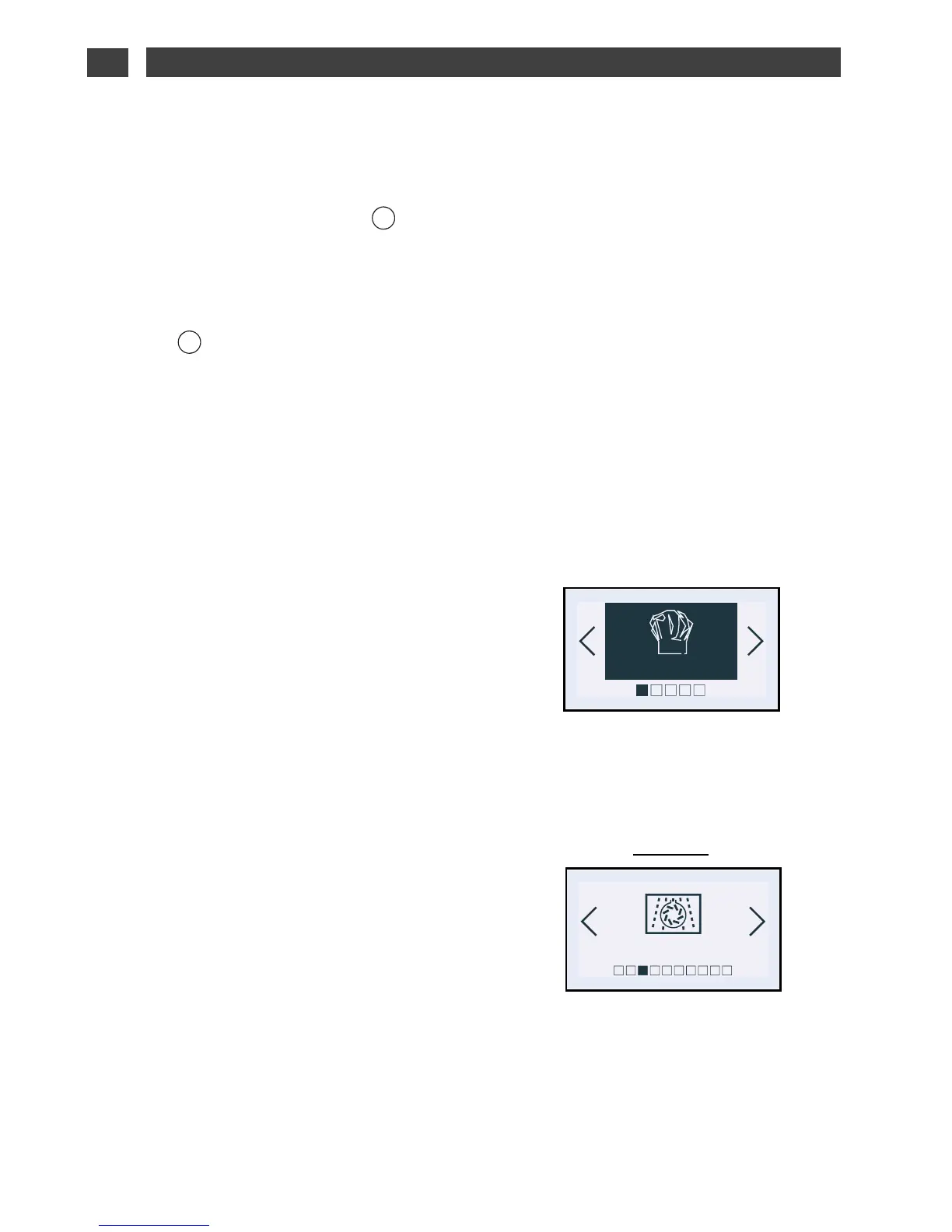
• The “Expert” function
The Expert function allows you to set the
cooking parameters yourself: temperature,
microwave power, type of cooking, cooking
time.
- Press the OK button. The “Expert” screen is
displayed.
- Press OK again to choose the type of
cooking from the following list by pressing
the < and > buttons (to make a selection,
refer to the cooking guide on the next page):
· Microwave
· Defrost
· Microwave + Fan
· Medium power grill
· Full power grill
· Conventional Microwave
· Keep warm
·· CCoonnvveennttiioonnaall
· Turbo grill
· Full grill
· Medium grill
· Combined heat
· Fan cooking
Confirm your selection by pressing OK.
“EXPERT” FUNCTION
•
EN
2 / USING YOUR APPLIANCE
STANDBY MODE
•
After 4 minutes with no action by the user, the
display switches off to save energy (except for
a delayed start) and the button starts
flashing. The screen is then in standby mode.
To activate the oven and restore the display to
full brightness, press few seconds the “wake
up” button .
The screen shows the time again.


 To Next Page
 Loading...