DEEP TREKKER DTG2 USER MANUAL
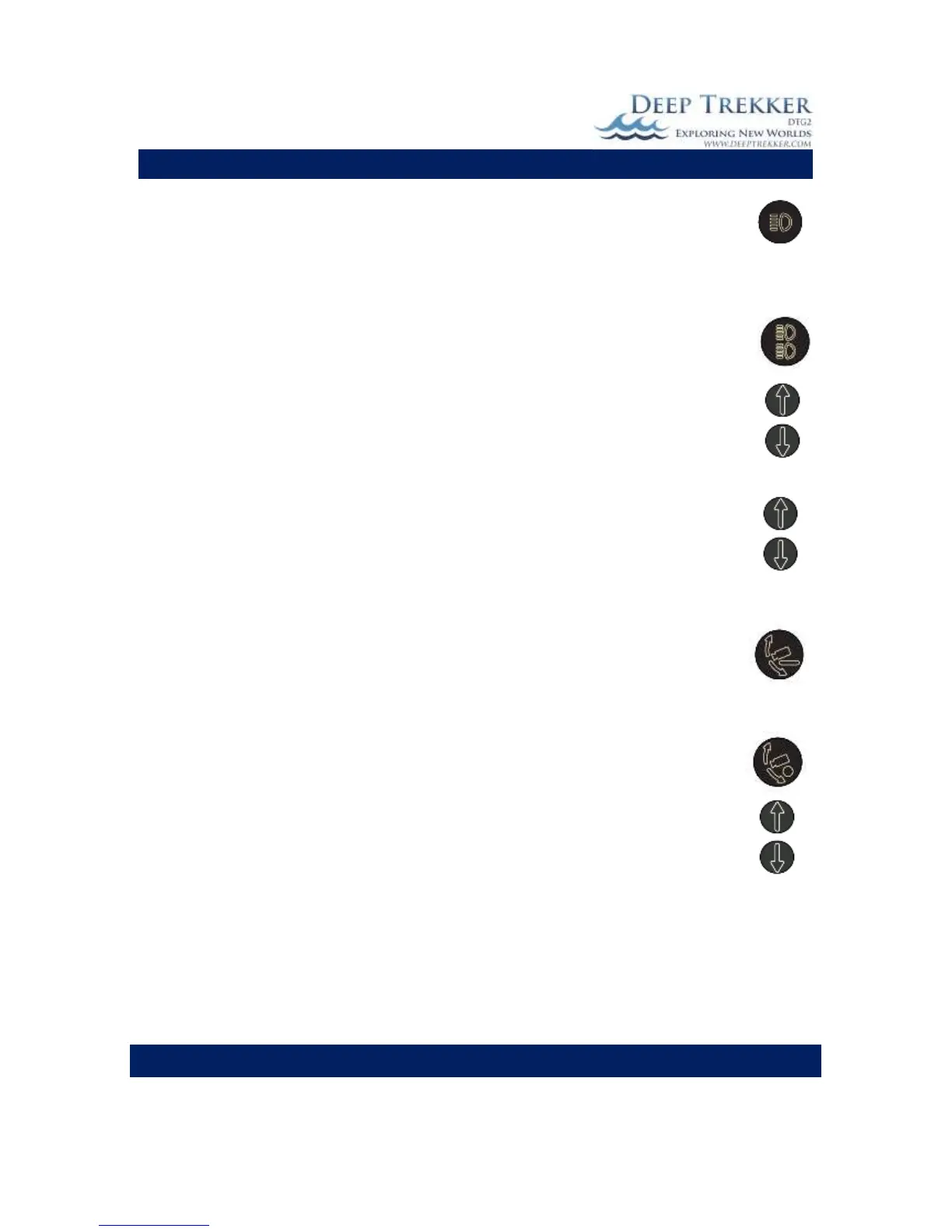
The primary flood light button, shown in Fig. 3A, turns the primary flood lights on and off.
The primary floodlights are located inside the ROV mounted below the camera.
Auxiliary Flood Lights (Optional Equipment)
The auxiliary flood light button shown in Fig. 3A, turns the two auxiliary flood lights on and
off. The two auxiliary floodlights are located fixed to the shell at the front of the ROV.
Immediately after the auxiliary flood lights are turned on, an intensity level value defaulting
at 100% appears in the upper portion of the LCD screen. Use the gain arrows up and down
to adjust the level of light intensity. Once the arrow buttons are left unadjusted for more
then a few seconds the intensity value will disapear from the screen and the arrows will
return to the gain adjust.
The camera up/down buttons are located at the front outer right hand side of the
controller. The up button rotates the camera up and the down button rotates the camera
down.
The camera can quickly be aligned with the pitch angle, or in other words the forward
direction the ROV is headed, by pressing the Forward Camera button. This is helpful when
you want to look in the direction of motion without using the camera up/down arrows to
manually align it.
Camera Lock
The camera can be locked to the pitch angle by pressing the Camera Lock button. This
means that if the pitch angle changes by + 45 degrees, the camera angle will also change by
+45 degrees, ensuring that the camera is generally looking in the direction of travel at all
times. When the Camera Lock is first activated, the camera angle will be equal to the pitch
angle, however if you would like to offset the angle slightly, you can use the camera up and
down arrows. These are most useful when using the grabber and a fixed view of the
grabber claw is required.


 To Next Page