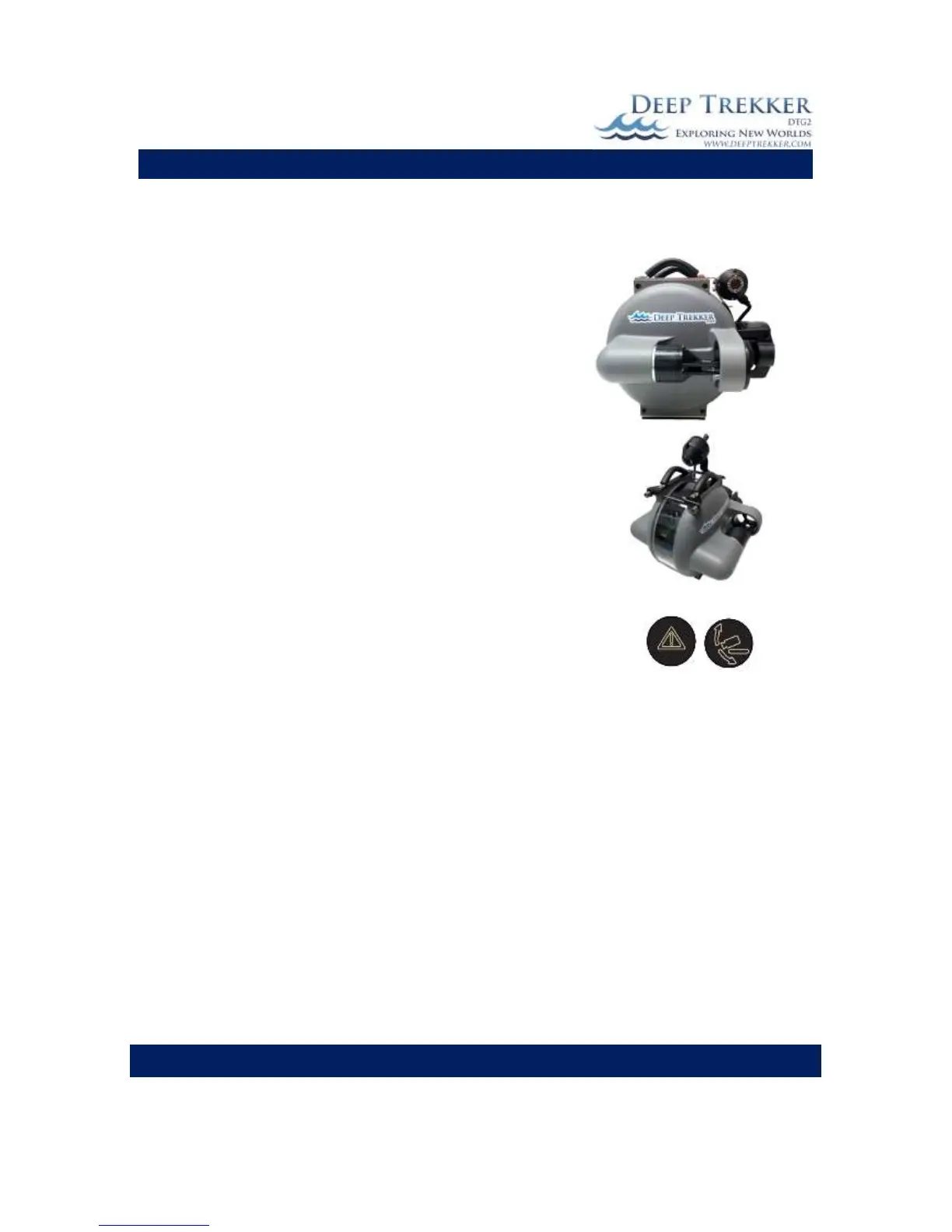
Up to two additional cameras can be added to the DTG2 ROV
system. The auxiliary cameras can be positioned to look to either
side of the ROV, or added above it to look down at additional
equipment, such as the grabber arm or mort retrieval system.
The live feed from the auxiliary cameras can be viewed at any time
from the hand-held controller. The additional cameras are ideal
for performing hull or infrastructure inspection.
Press the reset and camera forward buttons at the same time to
switch between the main camera and additional camera feeds.
Only one camera feed can be displayed at one time on the screen.
If recording the inspection, the feed that is displaying on the
screen will be what is recorded.
(This option must be added at time of purchase.)


 To Next Page