-15-
- - - - - - - - - - - - - - - - - - - - - - - - - - - - - - - - - - - - - - - - - - - - - - - - - - - - - - - - - - -
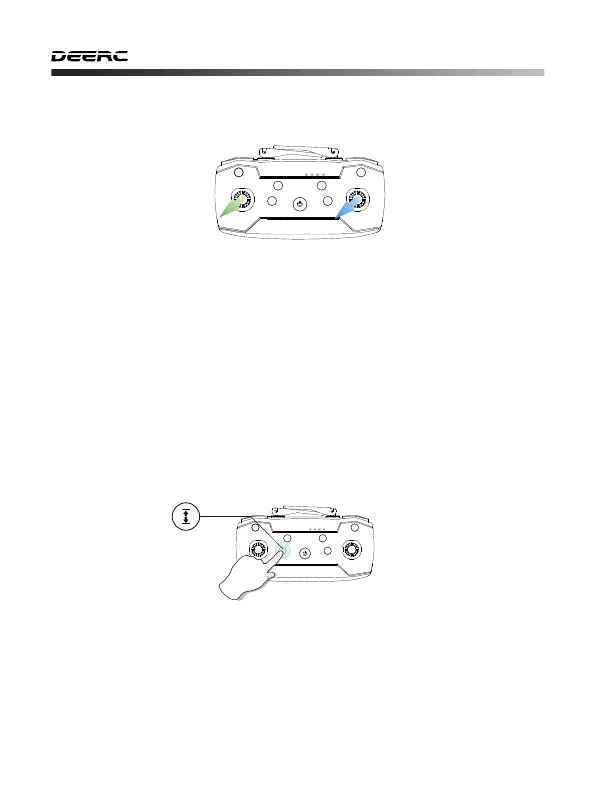
10.4 Calibrating the Gyroscope
Push the left and right joystick simultaneously to the lower left corner to
calibrate the gyro. When the indicator lights on the drone change from
flashing quickly to solid, it indicates that the calibration has been completed.
Tips:
To ensure a stable flight, we suggest that the pilot calibrates the
gyro every time after pairing the drone and after a crash.
10.5 One Key Takeoff/Landing
① Short press the One Key Takeoff/Landing button, the drone will
automatically take off and hover at 5 feet altitude.
② When the drone is flying, short press the same button again, the drone
will automatically land on the ground.



 To Next Page