-20-
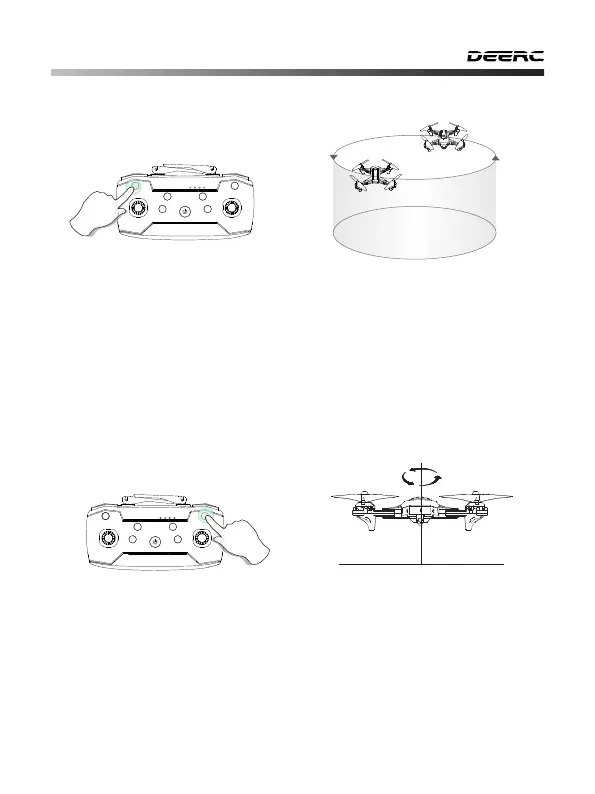
11.7 Circle Fly
11.8 Auto-Rotation
Long press for 3 seconds
Press and hold the Photo button for about 3 seconds, the drone will enter
the Circle Fly mode. Exit the Circle Fly mode by long pressing the same
button again or pushing the direction joystick.
Press and hold the Video button for about 3 seconds, the drone will enter
the Auto-Rotation mode. Exit the Auto-Rotation mode by long pressing the
same button again or pushing the direction joystick.
Long press for 3 seconds
- - - - - - - - - - - - - - - - - - - - - - - - - - - - - - - - - - - - - - - - - - - - - - - - - - - - - - - - - - -



 To Next Page