-10-
Before charging, please read the instruction of the “Use of Battery”
section of the “Safety Guidelines” carefully!
8.0 CHARGING
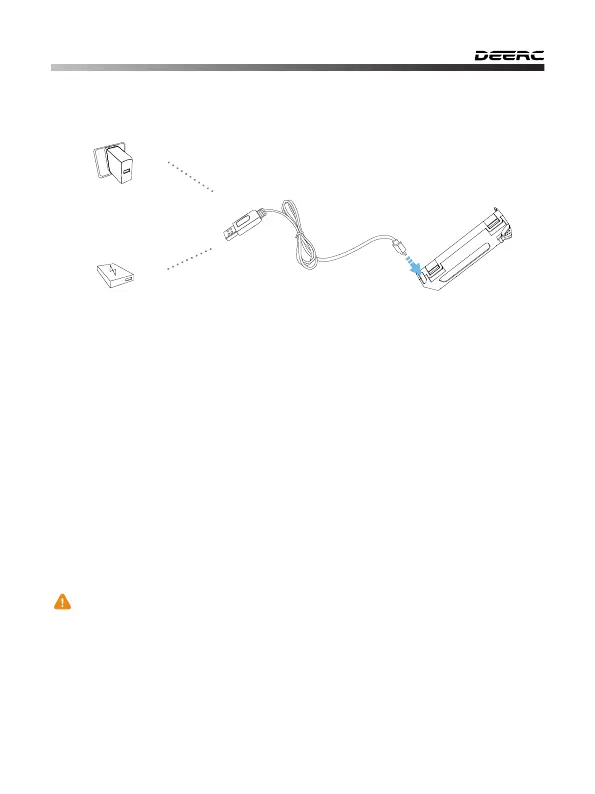
USB Adapter
(5V/0.5-2.0A)
Power Bank
1) When the drone battery runs low, the indicator lights on the drone will
blink continuously. About one minute the drone will automatically land on
low battery power.
2) Remove the battery and connect the USB charging cable to the battery
charging interface.
3) Plug the USB charging cable into a USB charging port on power bank or
USB adapter (5V/0.5-2A).
4) The red indicator light on the USB charging cable will turn on when the
battery is charging, and will turn off when the battery is fully charged.
5) Charging time: about 80 minutes.



 To Next Page