-17-
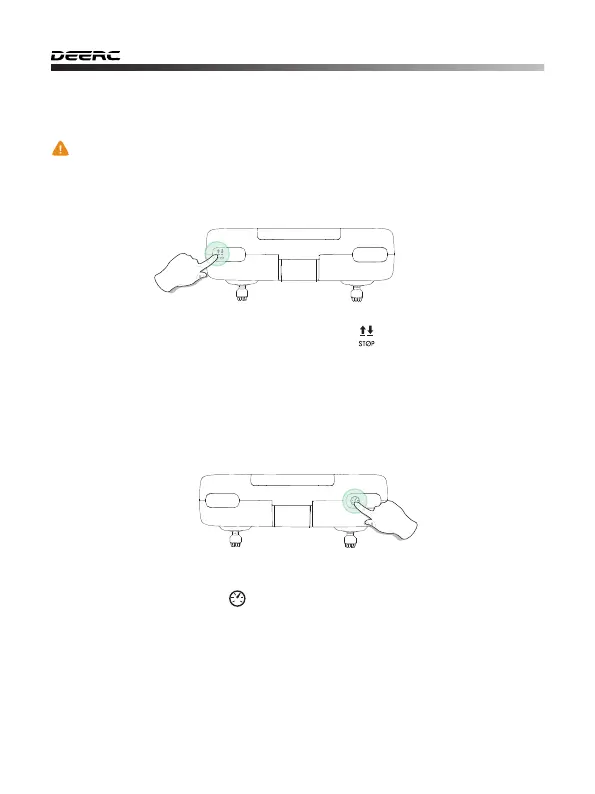
11.2 Speed Switch
This drone comes with 3 speed modes (Low/Medium/High). Short press
the Speed Switch button ( ) on the transmitter to switch the speed.
A “Di” indicates Low speed, a “DiDi” indicates Medium speed and a “DiDiDi”
indicates High speed.
(The Low Speed is default speed mode.)
11.1 Emergency Stop
Press and hold the Emergency Stop button ( ) of the transmitter for 2
seconds, the motors will stop immediately. Be aware that you risk breakage
of the drone if it falls a large distance or hits anything at a high rate of speed.
- - - - - - - - - - - - - - - - - - - - - - - - - - - - - - - - - - - - - - - - - - - - - - - - - - - - - - - - - - -
11.0 FUNCTIONS DETAILS
Long Press
The Emergency Stop function should only be used in case of
emergency during the flight to avoid any damage or injury.



 To Next Page