-19-
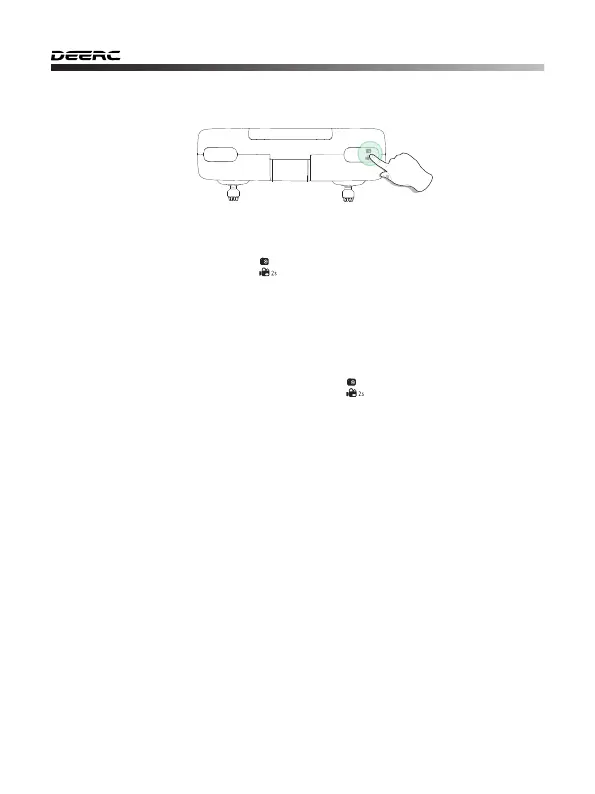
11.4 Take Photo/Video
Take Photo:
Press the Photo/Video button ( ) on the transmitter to take pictures. One
beep can be heard from the transmitter, and the light flashes once indicating
the camera has successfully taken a picture.
Record Video:
Press and hold the Photo/Video button ( ) on the transmitter for 2
seconds, one long beep from the transmitter will be heard and the
indicator lights will flash twice. This tells you that the camera has started
recording video. You can exit the recording by long pressing the same
button again.



 To Next Page