-14-
10.0 OPERATION GUIDE
10.1 Download APP
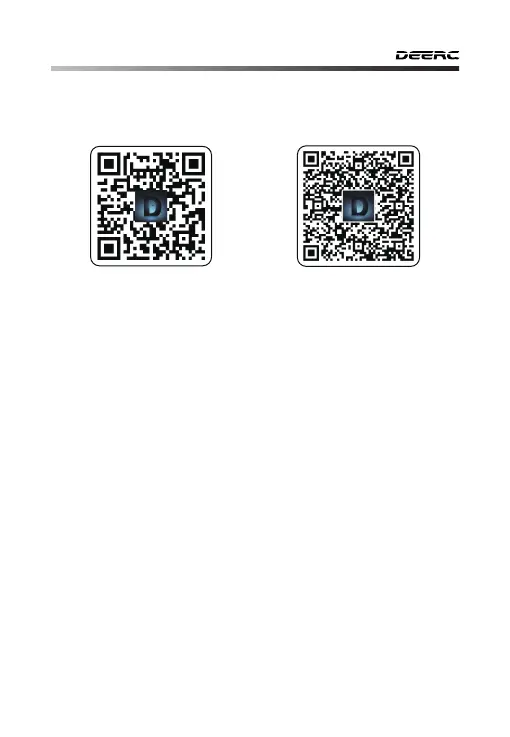
Scan the QR code, corresponding to either App Store™ or Google Play™
Store and download the DE FPV app for free.
Required Operating Systems: iOS 9.0 or later/Android 5.1 or later.
iOS Android APP on Google play
10.2 Connect to Wi-Fi
Connect your phone to the Wi-Fi network created by the drone. You
can check the drone’s status on the DE FPV App.
① Make sure to turn off Bluetooth, Mobile Data, and VPN. Enter your
phone’s Wi-Fi settings and click Wi-Fi to search for the Wi-Fi of the
drone.
(Make sure to turn on the drone before going to the Wi-Fi settings on
your phone)
② Select the Wi-Fi network: DeercFPV-******.
③ Wait for a couple of seconds for your phone to connect to the
drone’s Wi-Fi.
④ Enter the DE FPV application.
> The connection between your phone and the drone is established
automatically.
Attention: The Wi-Fi network created by the drone does not access
the Internet.



 To Next Page