-23-
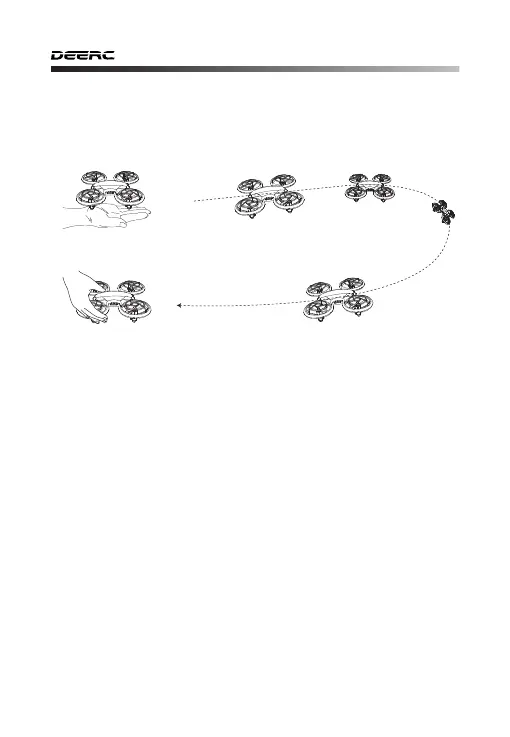
11.9 Rotate to Fly Back
Follow the steps as below to start the Rotate to Fly Back:
1) Turn on the drone after, short press the Power Switch twice at a
horizontal angle. The indicator lights of the drone blink indicating that
the drone can start the Rotate to Fly Back.
2) Throw it out at a horizontal angle with the head forward and the tail
towards the pilot, the drone will take off automatically.
3) As your drone flies back, catching the drone with your hand, then it
will stop immediately.
4) Short press the Power Switch twice, the indicator lights will turn solid
indicating that the drone exit the Rotate to Fly Back.
·
When throwing out the drone, please do not push too hard to
avoid the drone fail to do so.
· Please make sure that the head of the drone is kept at a horizon-
tal angle when entering the Rotate to Fly Back.
· When the battery is low, the drone cannot enter the Rotate to
Fly Back.
Attention:
The drone is designed with Rotate to Fly Back. Throwing it out at a
horizontal angle, and it will take off and return automatically.
HEAD
TAIL
①
Throw it out at a horizontal angle
②
Catching it by hand



 To Next Page