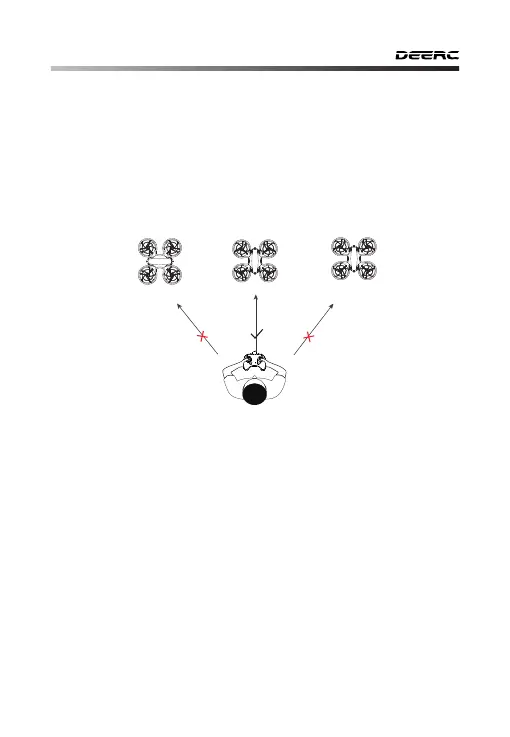
11.8 Headless Mode
1. After pairing/calibration, long press the Headless Mode button on
the transmitter, and the transmitter will send out beeps continuously
which indicates the drone is in Headless Mode.
2. Long press the Headless Mode button again, and you will hear 2
beeps which indicates the drone exits the Headless Mode.
Tail
Tail
Head
Head
-22-
TailHead
While in Headless Mode, pushing the direction joystick forward will
make it fly in the direction that the head of the drone faces when it
takes off. To make sure the pilot can tell drone's direction, during the
flight, we recommend that pilot stays facing the same direction that the
drone head faces at take-off. By doing so it is ensured that when the
pilot pushes the direction joystick forward/backward, the drone will fly
forward/backward toward him/her. If the pilot moves the direction
joystick left/right, the drone will move left/right relative to him/her.
Please make the pilot stays facing the same direction
that the drone head faces at take-off.



 To Next Page