40
1
2
3
4
5
6
7
8
9
10
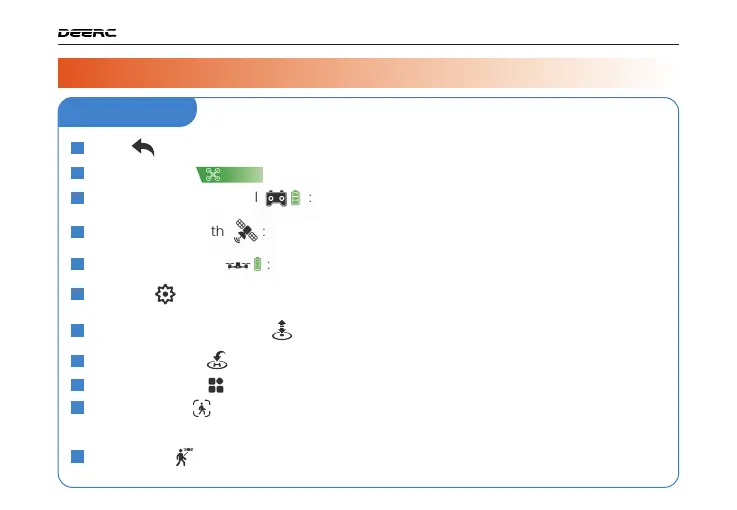
Back :
Tap this icon to return to the main menu.
System Status :
Displays the flight status and various warning messages.
GPS Signal Strength :
Displays current GPS signal strength.
Drone Battery Level :
Real-time display of the current battery level of the drone.
Settings :
Tap to enter the setting interface. Alter settings for flight height/distance,
return altitude, etc.
One Key Takeoff/Landing :
Tap the icon, follow the instructions in the prompt box to
takeoff/land.
Return to Home :
The drone returns to the last recorded Home Point.
Multi-functions
Image Follow :
After selecting a target, the camera will always point towards it no
matter how the target moves. The position of the drone in the air
remains unchanged. (The target should not move too fast.)
11
GPS Follow :
The drone stays at a distance from the operator and follows the GPS
position of the paired mobile phone.
Transmitter Battery Level :
Real-time display of the current battery level of the
transmitter.
( )
( )
( )
( )
( )
( )
( )
( )
( )
( )
( )
DRONE FUNCTIONS / 3
APP Interface
3.3 APP Functions >>



 To Next Page