41
3.3 APP Functions >>
13
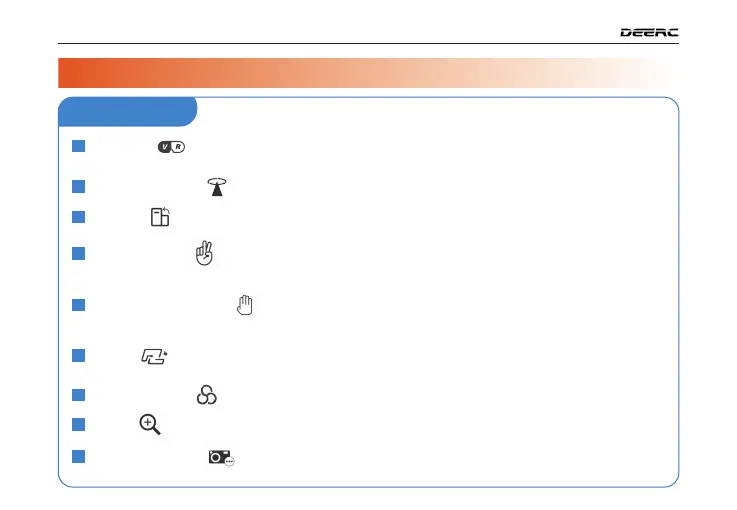
Point of Interest :
The drone flies around a point.
14
Portrait :
The shooting mode will turn from landscape to portrait.
15
Gesture Selfie :
When in this mode, you can trigger the shutter of the drone camera
by holding a “V”-sign near your face. (The drone camera should be
pointing to your face.)
16
Gesture Selfie video :
When in this mode, you can trigger the shutter of the drone
camera by holding your outstreched palm near your face.
(The drone camera should be pointing to your face.)
17
TapFly :
The drone flies along the flight path you draw on the screen of the mobile
phone.
Tap to zoom in/out.
18
Camera Filter
19
Zoom :
Shooting Modes
20
12
VR Mode :
Pair the mobile phone with a pair of VR glasses (not included) first. Then
use this function to watch 3D live feed in real-time.
( )
( )
( )
( )
( )
( )
( )
( )
( )
( )
3 / DRONE FUNCTIONS
APP Interface



 To Next Page