42
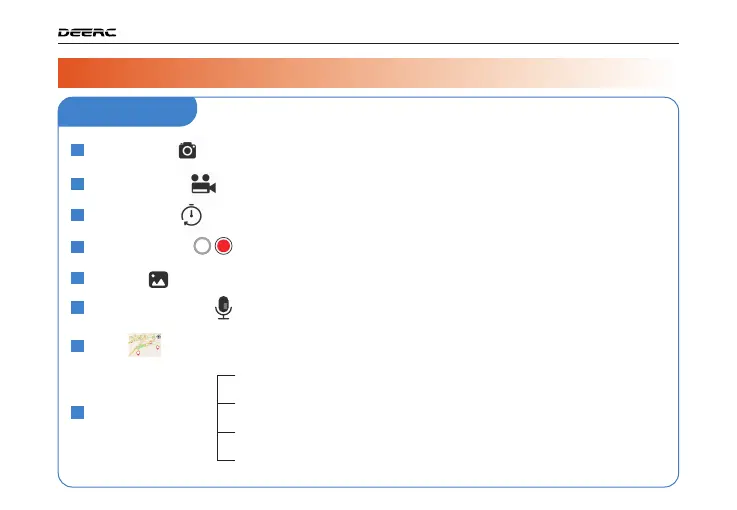
Tap to use the photo function.
24
25
Take Photo :
Tap to use the record function.
21
Record Video :
Tap to use time-lapse shooting .
22
Time-lapse :
Tap to preview photos and videos taken by the drone camera.
27
Gallery :
23
Record sounds and voices with your mobile phone while shooting
videos.
28
Audio Recording :
Tap the Mini Map to switch between Camera View and Map View.
Map :
Vertical distance from the Home Point.
Horizontal distance from the Home Point.
Flight Parameters:
26
Shutter Button
Flight Altitude :
Flight Distance :
Horizontal Speed :
Vertical Speed :
Drone's speed in the horizontal direction.
Drone's speed in the vertical direction.
( )
( )
( )
( )
( )
( )
( )
( )
( )
( )
( )
DRONE FUNCTIONS / 3
3.3 APP Functions >>
APP Interface



 To Next Page