12
PX301
MOUNTING THE CAMERA
1. Decide if the camera will be wall-mounted or sitting
on a desk/tabletop. The camera can be adjusted
for many mounting scenarios by rotating it to the
required position.
• Keep in mind that the camera is microphone
equipped. If you would like audio recorded,
make sure the camera is within a close enough
range of the area being monitored to record
any sounds (within 6 ft)
• Be sure to mount the camera no further than
100ft away from your monitor
• Be sure to mount the camera no further than 8ft
away from a power source
2. Screw the mounting bracket into the camera’s
mounting hole, turning it clockwise.
3. Ensure that the camera is strongly secured into
the wall.
4. Adjust camera to the desired viewing angle.
5. For additional help with mounting the camera,
please see the drilling template located at the back
of the manual.
6. Once you have mounted the camera and placed
it at the desired viewing angle, plug the camera’s
power adapter (marked for camera) into the cord on
the camera and then plug the adapter into a power
source. (A surge protected power source is
recommended)
7. If you purchased a kit with additional cameras,
repeat the above steps for all additional cameras.
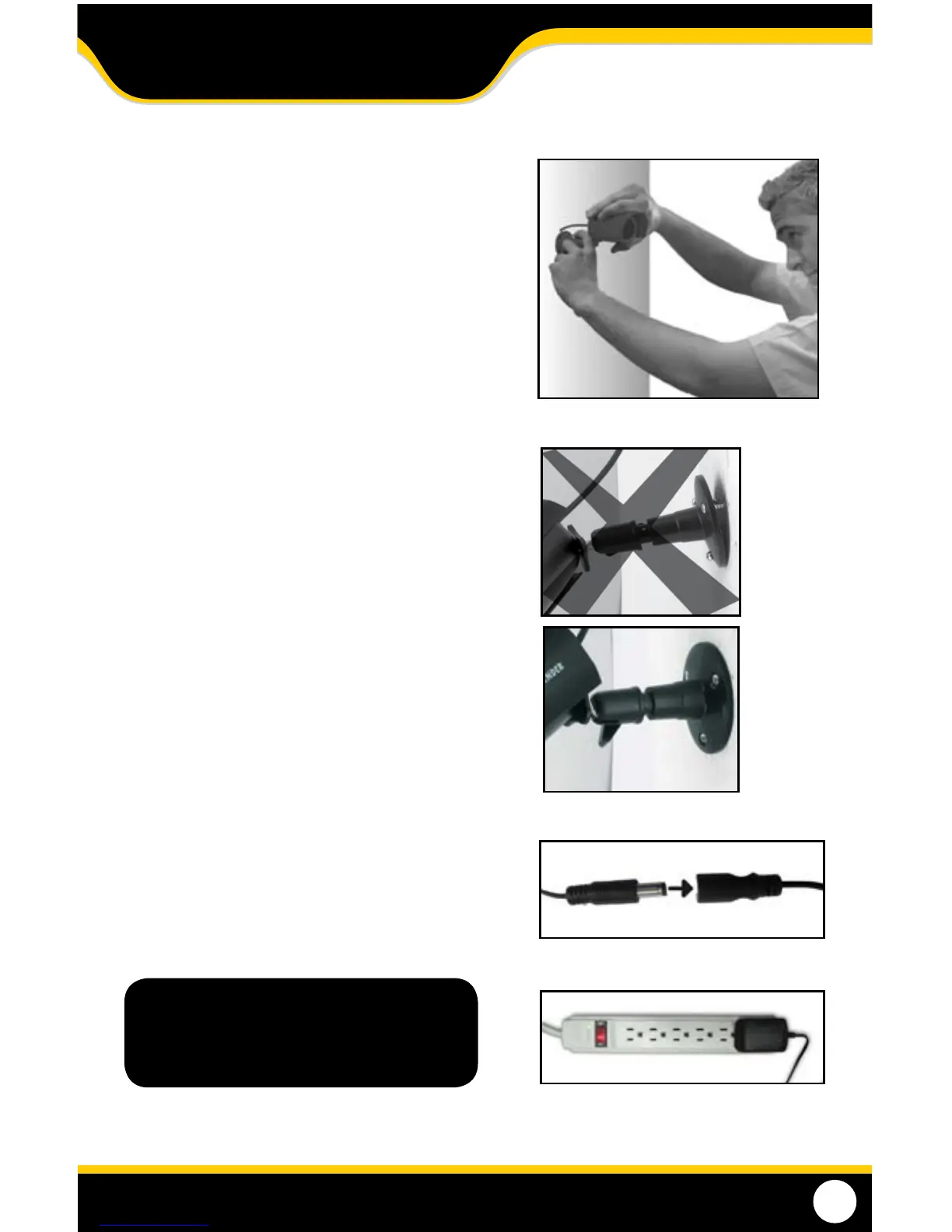
Adjust camera to desired viewing angle
Ensure the camera is secure
Note: The above photos are examples of
mounting a camera, your camera will
look dierent from the above images.
Plug power adapter into Camera’s cord
Plug into Surge Protected power source
INSTALLATION



 To Next Page