5 HOMEDEPOT.COM
Please contact 1-866-308-3976 for further assistance.
B
A
Installation (continued)
3
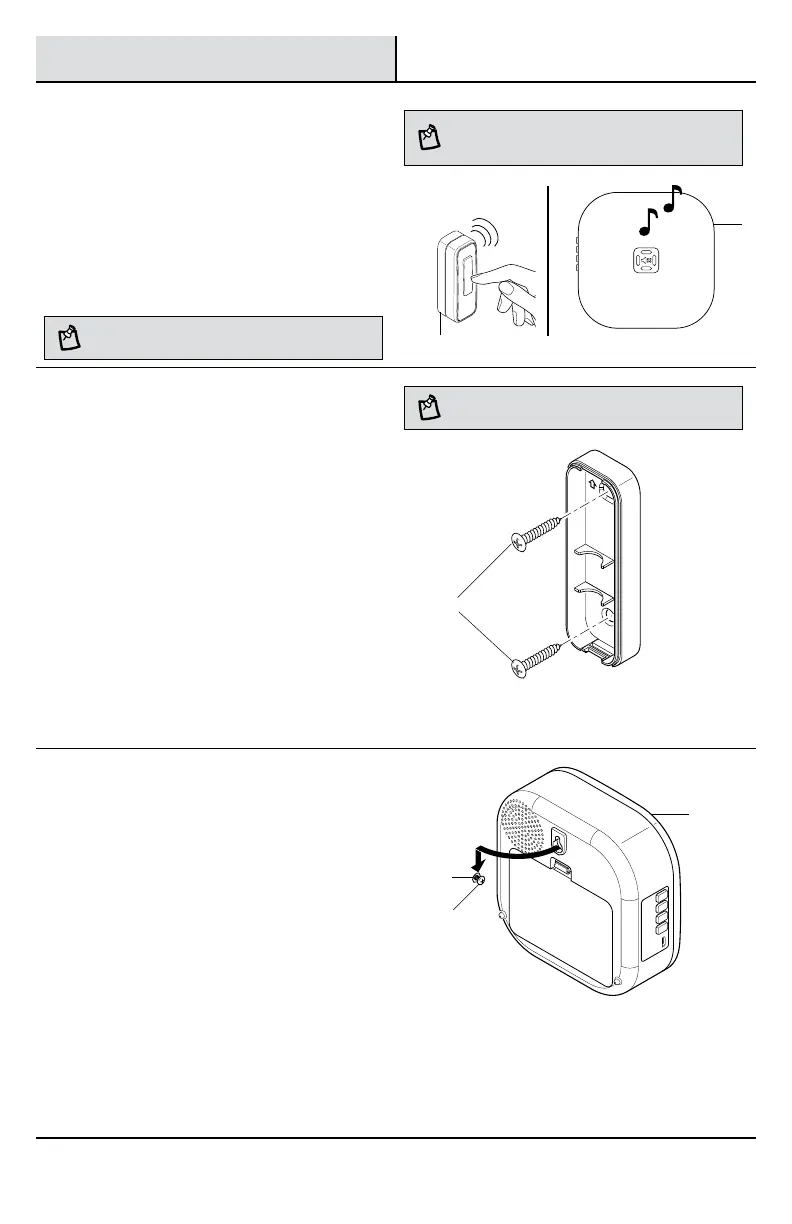
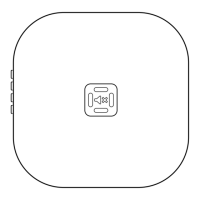
Testing the push button and
doorbell
□ Temporarily position the push button (B) and
doorbell (A) where they will be mounted.
□ Press the push button (B) to verify the
doorbell(A) and push button (B) work properly.
□ If the doorbell (A) does not sound, move the
doorbell (A) closer to the push button (B) and
test again.
NOTE: Do not permanently mount the push button until
the push button and doorbell are working properly.
NOTE: The push button and doorbell come synced from
the factory. The range of the wireless doorbell can vary
with location, temperature, and battery condition.
4
Mounting the push button
Use either screws (AA) or double-sided tape (BB) to
mount the push button (B).
□ To mount with screws (AA), remove the back of
the push button (B) by pushing in the tab on the
bottom with a small screwdriver and twisting it.
Place the push button (B) back on the door jamb
and mark the two screw holes. Drill two 1/16
in. (1.5mm) pilot holes. Attach with screws
(AA) and snap on the front of the push button
(B).
□ When attaching the push button (B) with
double-sided tape (BB), remove the paper from
both sides of the double-sided tape (BB) and
apply to a clean surface.
NOTE: Remove material in screw holes (if needed) before
mounting with screws.
5
Mounting the doorbell
Use one of the screws (AA) to mount the doorbell (A).
□ Determine mounting location.
□ Drill one 7/32 in. (5.5 mm) pilot hole and insert
a wall anchor (CC).
□ Insert the screw (BB) into the wall anchor(CC)
leaving about 1/8 in. (3.2 mm) of the screw
threads exposed.
□ Hang the doorbell (A) on the screw (AA) using
the keyhole on the back of the doorbell (A).
VOL
+
VOL
–
LightSync
Music
AA
AA
A
CC


 To Next Page