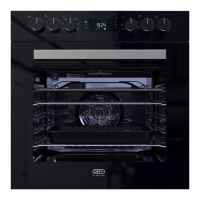
Switch off the electrical power supply before cleaning any part of the
Open the oven door and allow the oven to cool down.
•
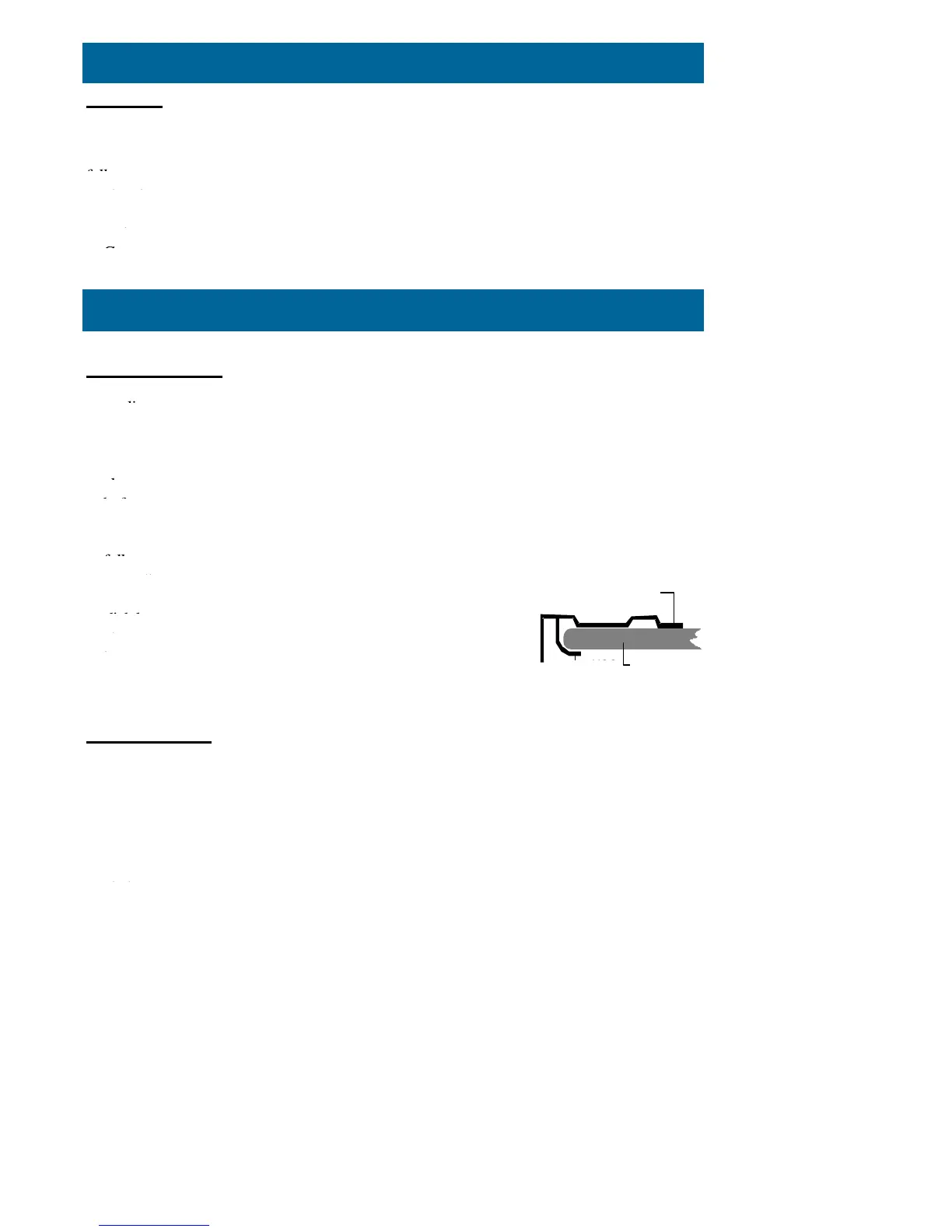
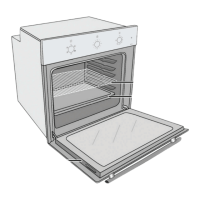
For your convenience, the shelves, bake trays, the element guard and side racks
be removed to improve access.
•
Clean the oven with a damp, hot soapy cloth. Do not use a steam
It may be necessary to soak bur
nt soils with a liquid cleaner to soften them
scrubbing them with a nylon brush or scouring
Heavy soils on the bottom of the oven may require overnight soaking under a
liberally sprinkled with household ammonia. The soil
Do not use metal objects or steel wool to clean the
When replacing the element guard, lift the element
to allow the hooks of the guard to slide undernea
Switch off the electrical power supply before cleaning
Wipe down glass panels, cabinet, door, control knobs, trims
and handle with a hot soapy cloth.
•
Use only liquid household cleaners and avoid abrasive
ders, scouring pads and caustic cleaners.
•
Rinse and wipe down with a clean
Do not use a steam cleaner.
Oven light
The oven light is switched on by the
multifunction selector
switch and
switches off when the knob is returned to
0
.
To replace a faulty light bulb, proceed as
Switch off the power at the wall switch to avoid the possibility of
Remove the light cover by unscrewing it in an
Unscrew the faulty bulb and fit a new 25 watt bulb rated for 300



 To Next Page