maxx_guide_installation_de-en_v080508
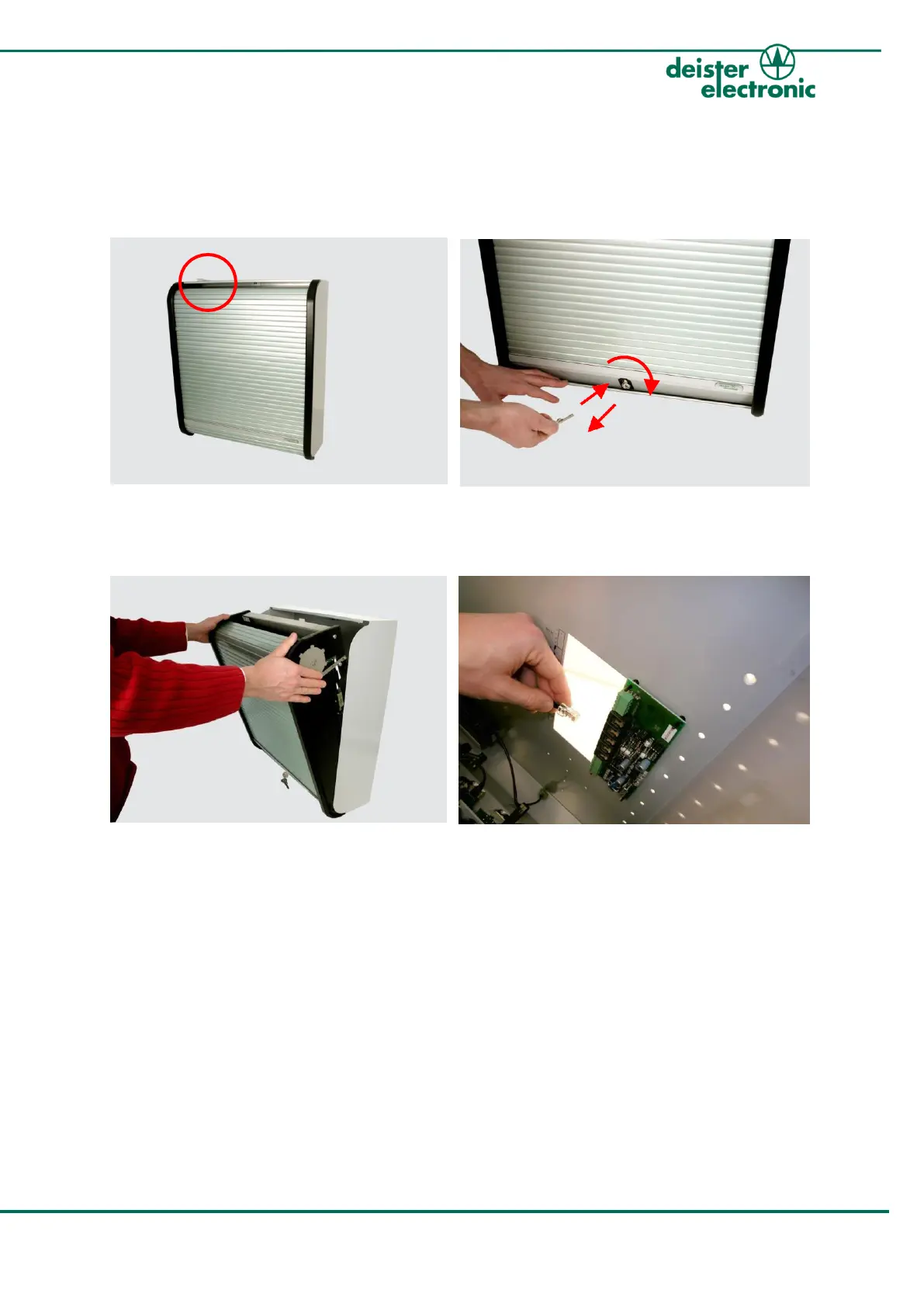
3. Open Cabinet
For the further steps of installation you need to open the proxSafe cabinet.
1. 2.
You find the key for opening the cabinet
attached to the cabinet.
Slide down the key covering and open the lock.
3.
Carefully move the cabinet insert towards
you. If it is blocked, push the insert into the
frame before opening it.
Be careful not to tear any cables!
4.
Unplug the connection cable between the
cabinet insert and the backplane PCB.



 To Next Page