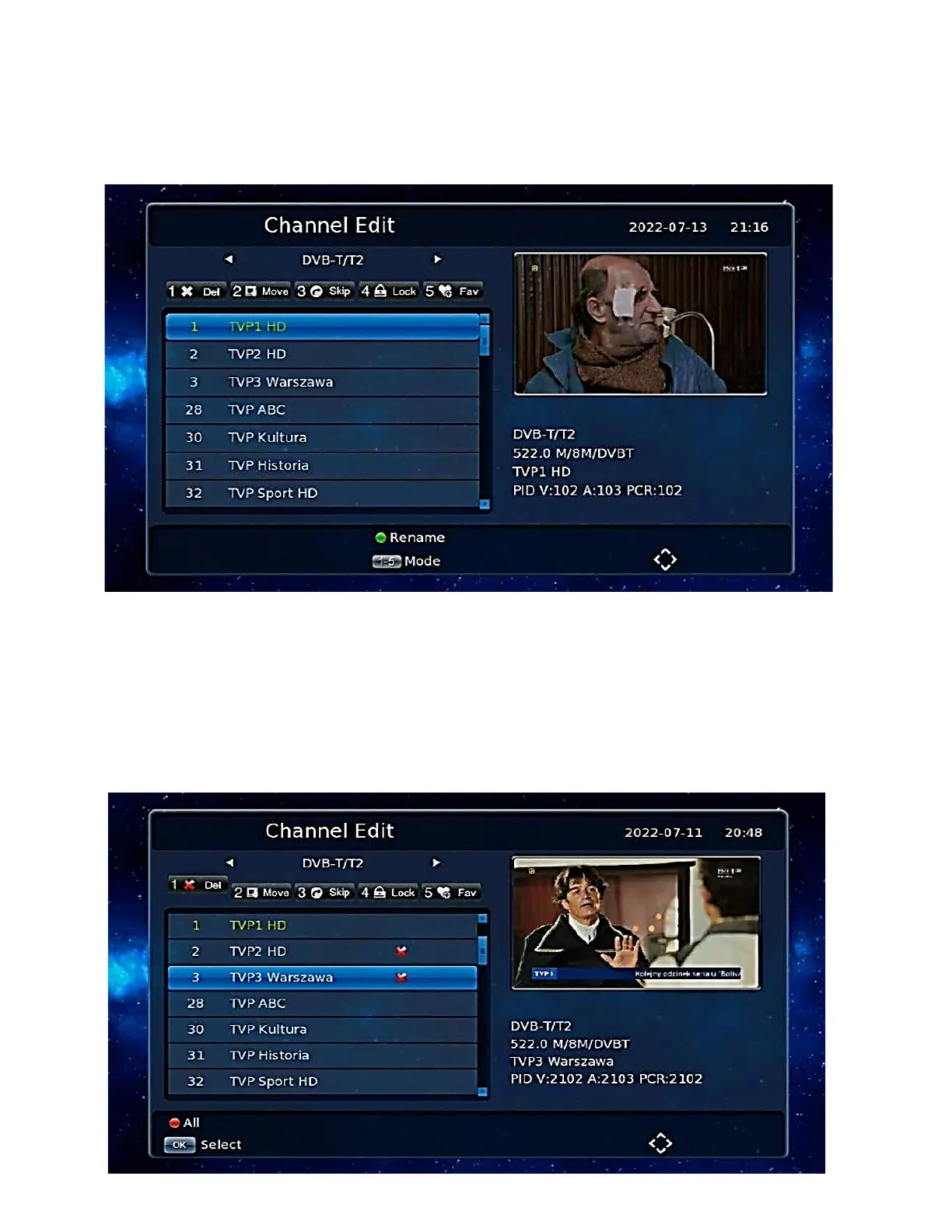
Channel Edit
Press [OK] on the large screen to display the channel list, then press [YELLOW BUTTON] on the
remote control or in the Main Menu, move the cursor to the channel edit bar and press [OK].
Channel edition
Channel delete
Press [1] Del on the screen to enter the channel delete mode.
Move the cursor to the desired channel and press [OK]. To carry out multi-channel deletion, you can
select more than one channel, and those channels that are marked with a delete sign will be deleted
when you press [RED] from the Media Section of the Deko TV remote control.


 To Next Page